
Inbox-linked Messenger broadcast uses Subscriber broadcast: pages, labels, Message tag, then the message template. Path: Facebook Tools → Broadcast → Subscriber broadcast → Create Campaign (Add subscriber broadcast screen). Prepare labels first — tags assignment.
Before you start
- Tag target subscribers (and Exclude completed buyers if needed).
- Confirm Bot Connection and plan limits.
- Pick a Message Tag that matches the real purpose — never misuse a tag for cold promo.
- Read non-spammy rules before a large segment.
1) Campaign details and Message Tag
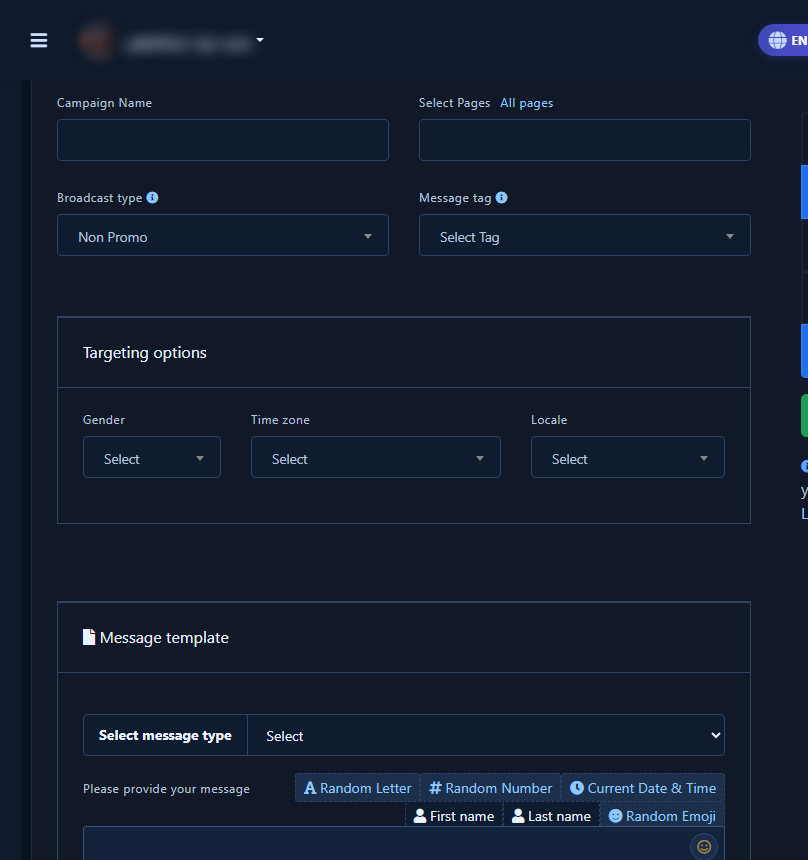
- Open create campaign; fill campaign name and pages.
- Set broadcast type (e.g. Non Promo) and Message Tag.
2) Targeting and labels
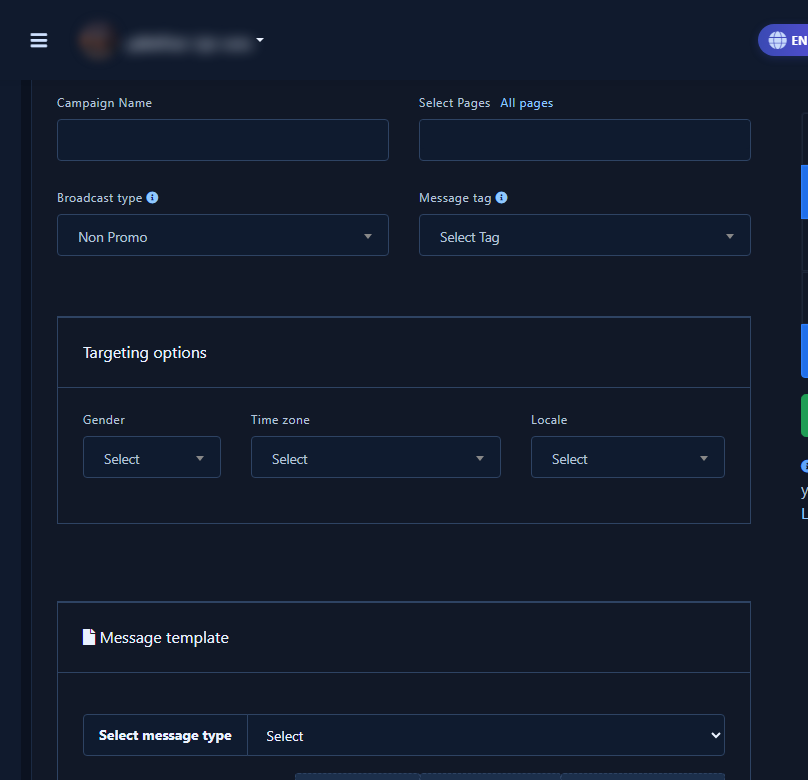
- In targeting options set filters and Target by labels / exclude labels.
- Check expected recipient count before composing.
3) Message template before save
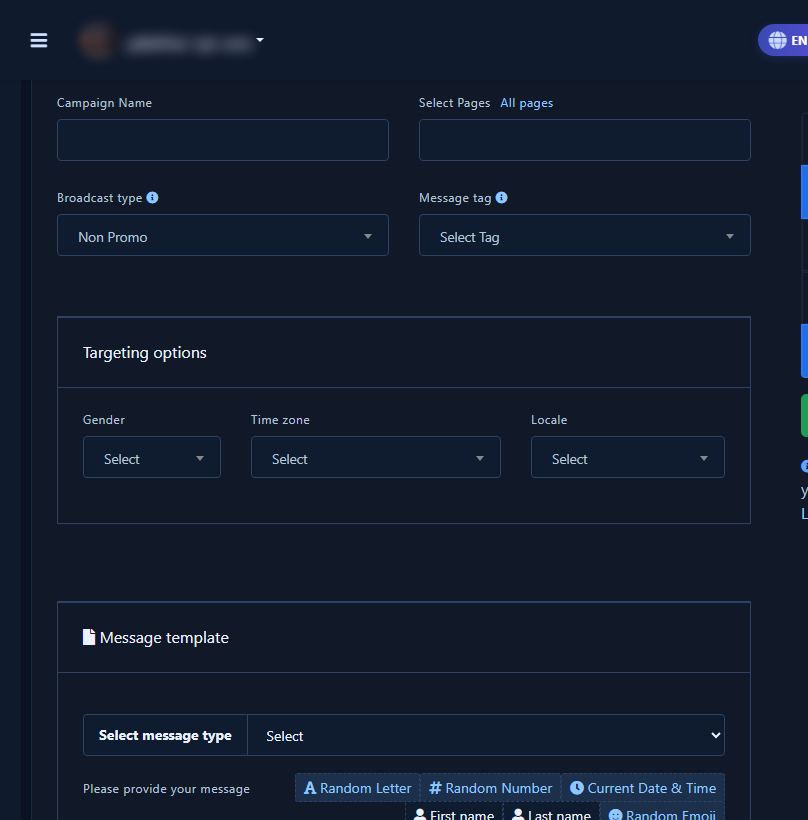
- Compose the template: type, text, variables (first name…).
- Review; sample-send when possible — avoid final Submit to the full base from a tutorial session.
- Watch the report; label responders for manual inbox follow-up.
Common mistakes
- Broadcasting everyone without labels or a valid Message Tag.
- Forgetting Exclude so buyers get the offer again.
- Using broadcast instead of a human reply to a hot inbox thread.
- Mixing this with Sequence — Sequence is drip; this is one-off labeled blast.
Related
Broadcast · Tags · Inbox · Non-spammy


