
Broadcast in ChatLik has two separate paths: WhatsApp Broadcast under WhatsApp Tools → Broadcast (approved Meta template + audience), and Messenger Broadcast under Facebook Tools → Broadcast (Subscriber / OTN / Recurring) then labeled Subscriber broadcast campaigns. Do not mix channels in one campaign. Never send a production blast from a tutorial session — test a small sample first.
Before you start
- WhatsApp: approved template under WhatsApp Tools → Templates.
- Messenger: Page connected with Bot Connection on; prepare labels for segments.
- Respect Meta rules: templates outside the 24h window; Message Tags for Non‑Promo.
- Read non-spammy broadcast rules before a large segment.
WhatsApp — compose
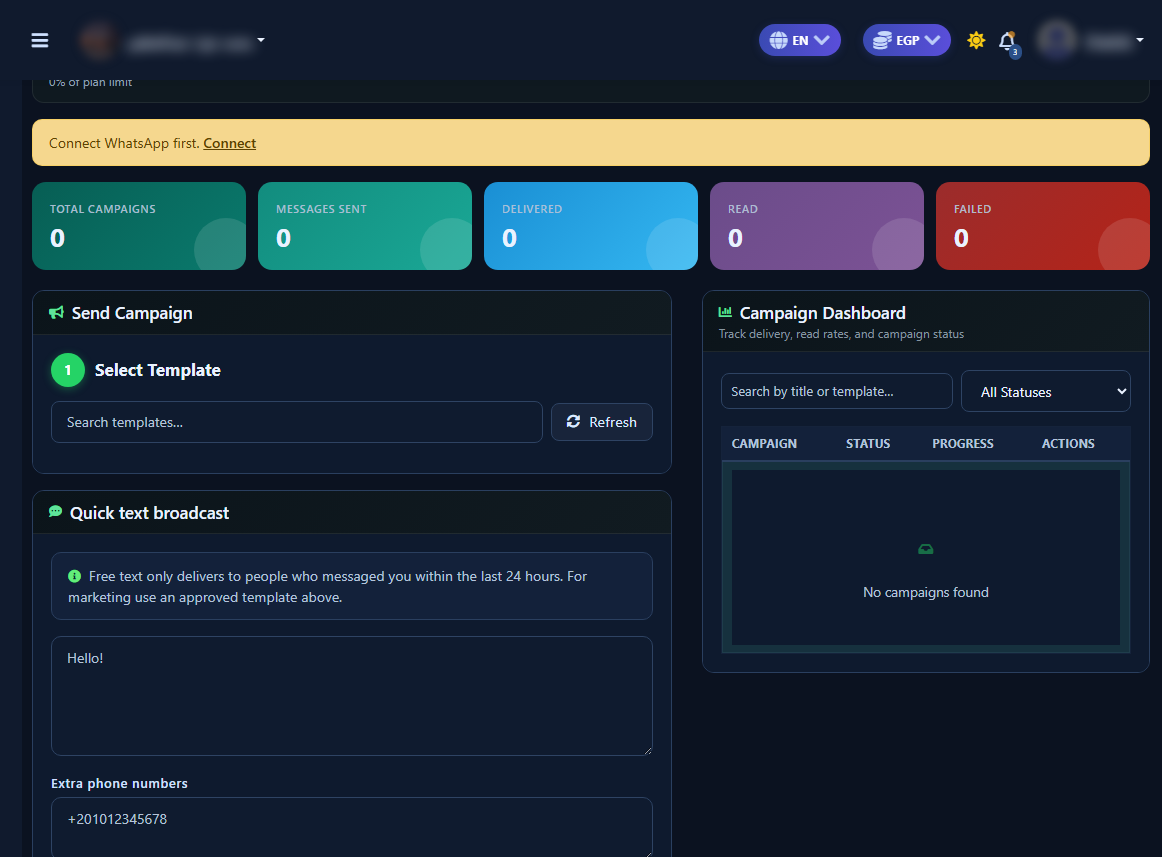
- Open WhatsApp Tools → Broadcast.
- In Send Campaign: pick the template, then configure audience and variables.
- Review recipient count; send now or schedule — confirm before final send.
WhatsApp — Campaign Dashboard
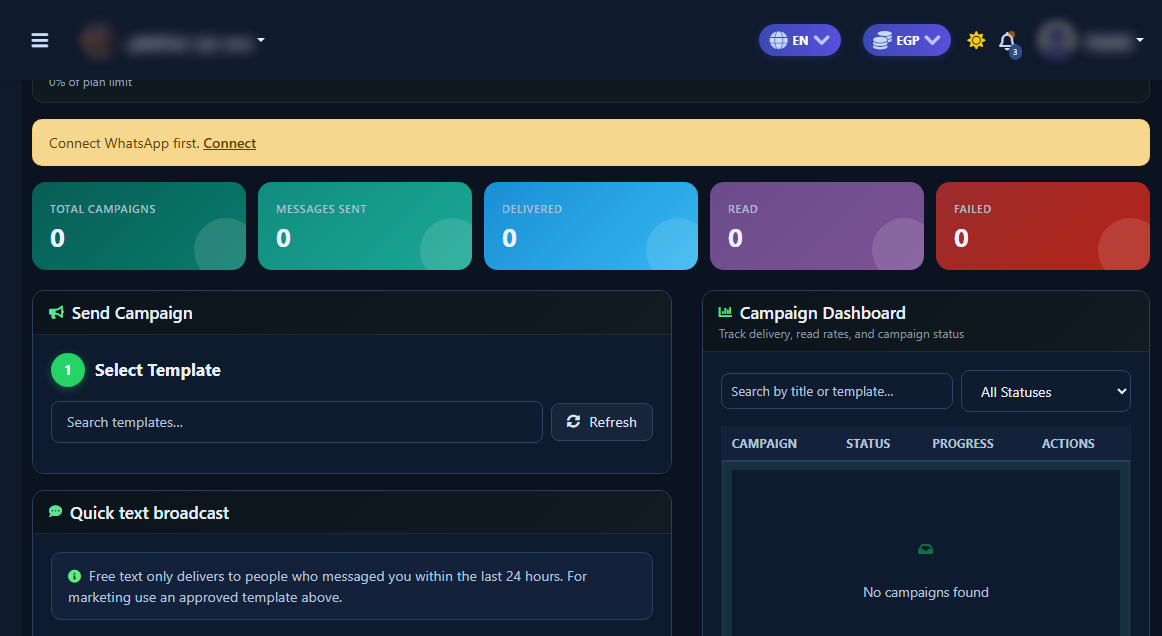
Use the Campaign Dashboard (not the compose card) to track delivery and failures.
Messenger — Broadcast hub
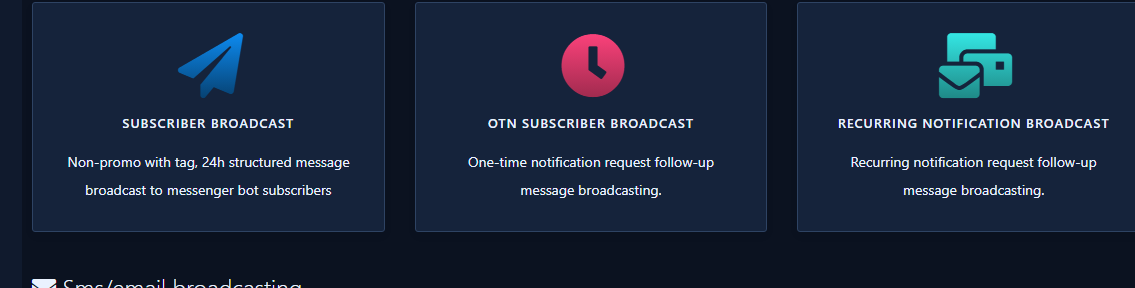
- Sidebar: Facebook Tools → Broadcast.
- Choose Subscriber broadcast (or OTN / Recurring as needed).
- Detailed labeled create: Subscriber broadcast how-to.
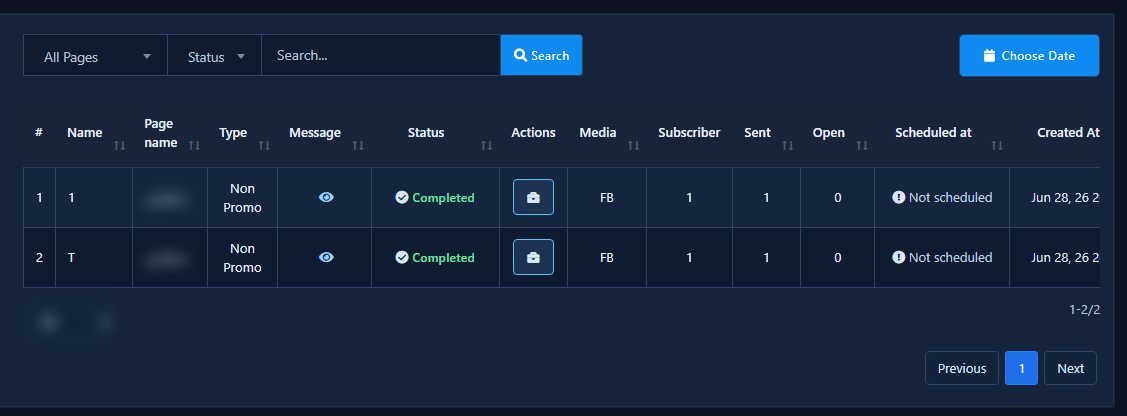
Tips and common mistakes
- Small sample before a large blast.
- Do not mix WhatsApp and Messenger in one campaign.
- Promo as Non‑Promo without a valid tag, or WA send before template approval.
- For drip series use Sequence campaigns, not one-off broadcast.


