
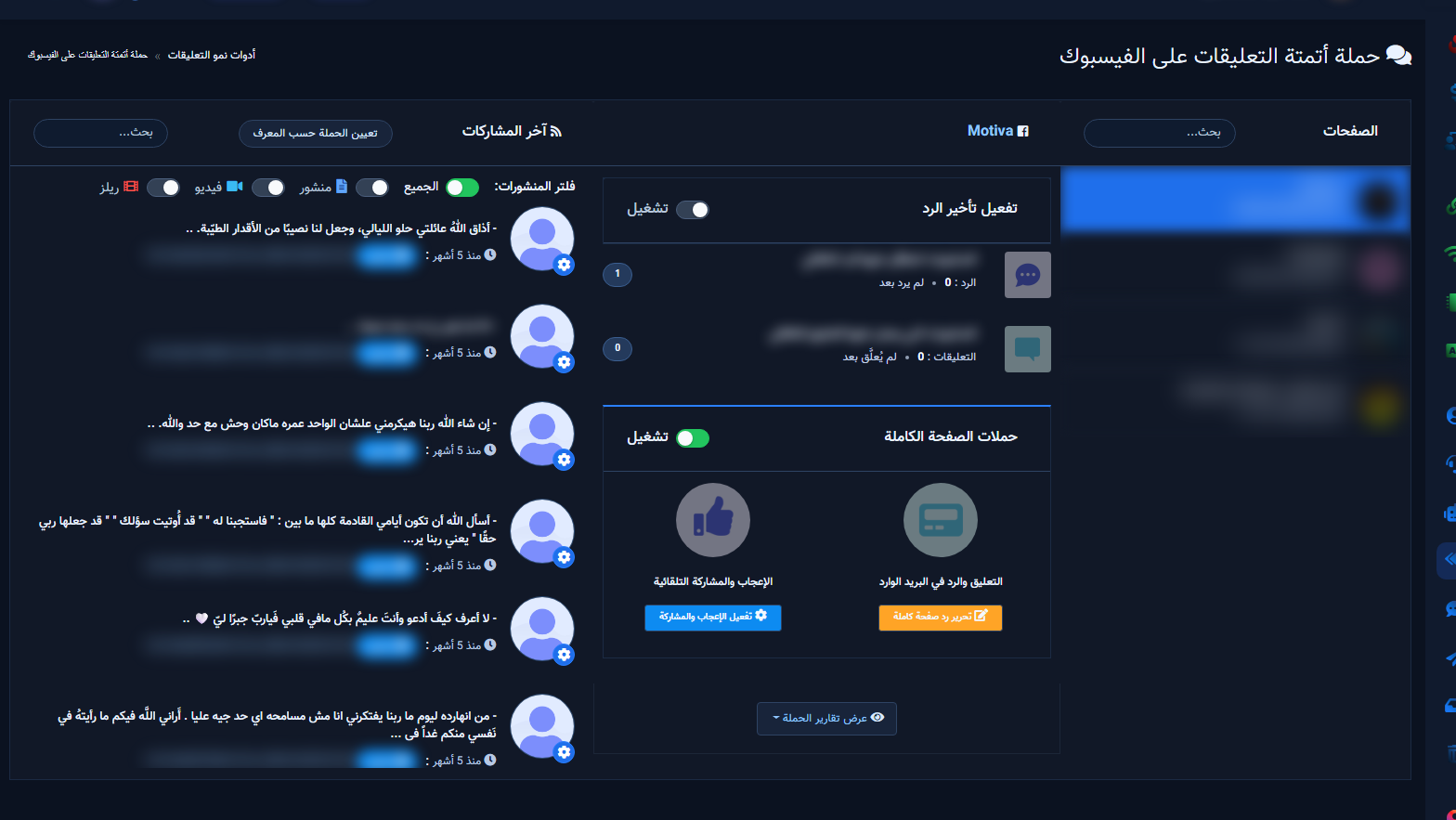
This is the Comment Manager map for Facebook in ChatLik. Screen title: Facebook Comment Growth Tools — sidebar Facebook Tools → Comment Manager.

Before any card
- Integrations → Connect Accounts: confirm the Page is linked.
- Enable Bot Connection if you will send private replies.
- Separate visitor-comment replies from Page self-comments.
Growth tool cards

All Post List
Related tools
Next: sign up.


