
Below the Page card in Bot Manager (and via Subscriber Manager in the sidebar) you review people who engaged the bot and configure Whitelisted Domains for in-chat webview/URL buttons. Without a correct HTTPS domain, Messenger webviews will not open as expected.
Before you start
- Enable Enable Bot Connection under Connect Accounts.
- Prepare your domain as
https://example.com. - Align on privacy before exporting subscriber lists.
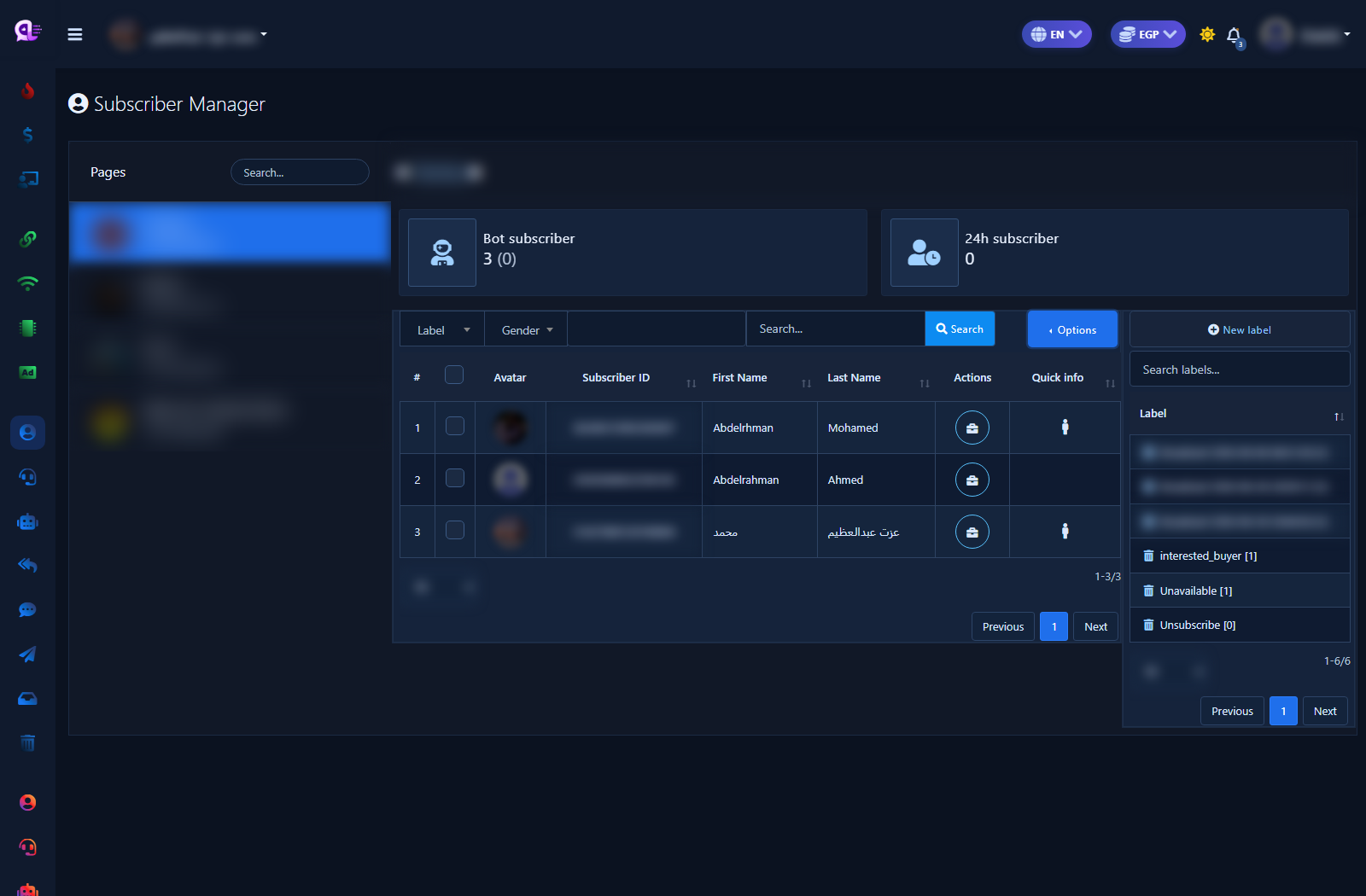
1) Entry — Subscriber Manager
- Sidebar: Facebook Tools → Subscriber Manager (or Page-card Subscribers in Bot Manager).
- Pick the Page under Pages and review the KPI cards.
2) Subscriber Manager screen
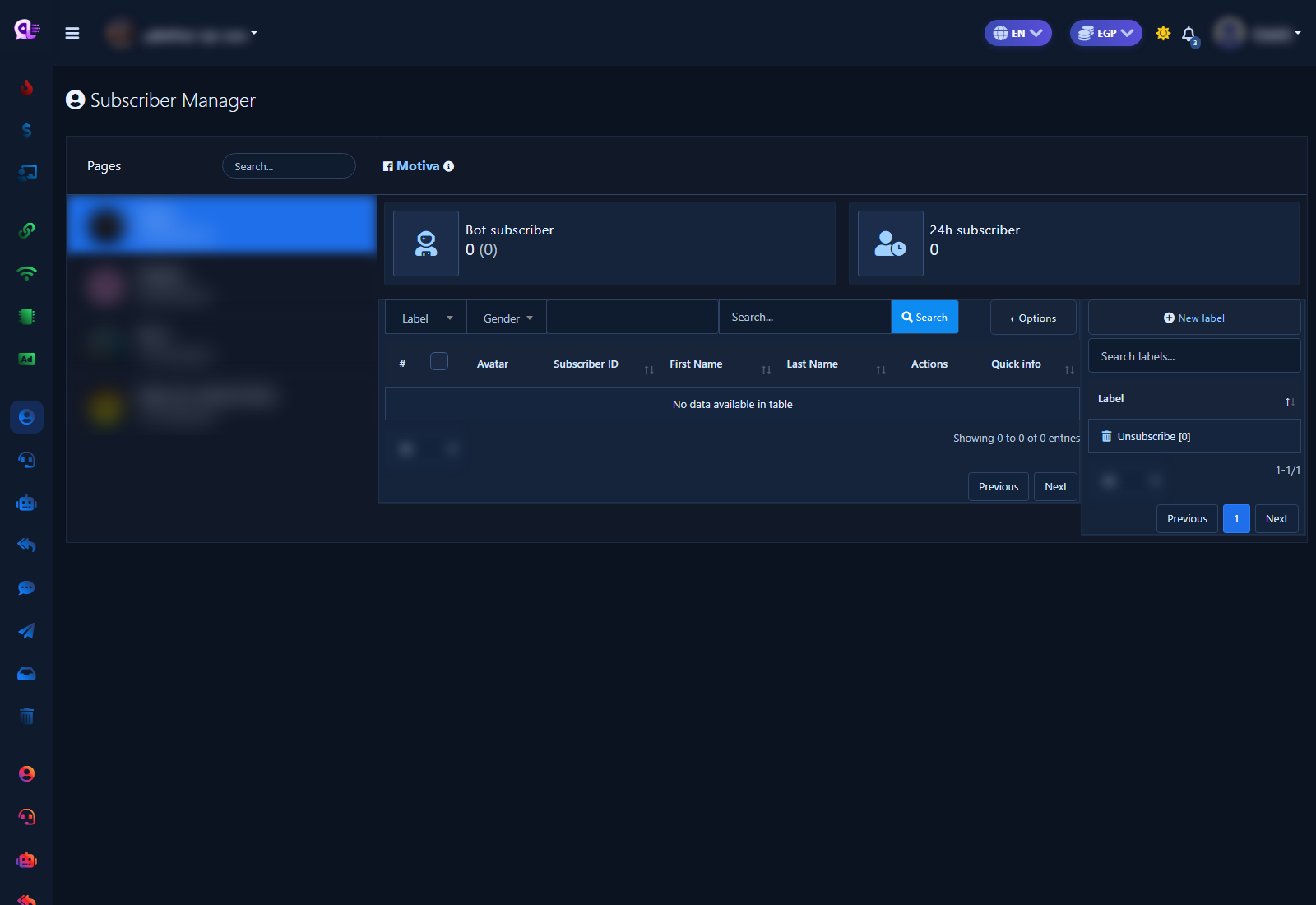
- Direct path: Facebook Tools → Subscriber Manager.
- Pick the Page under Pages.
- Review cards such as Bot subscriber and 24h subscriber.
3) Filters, search, and labels
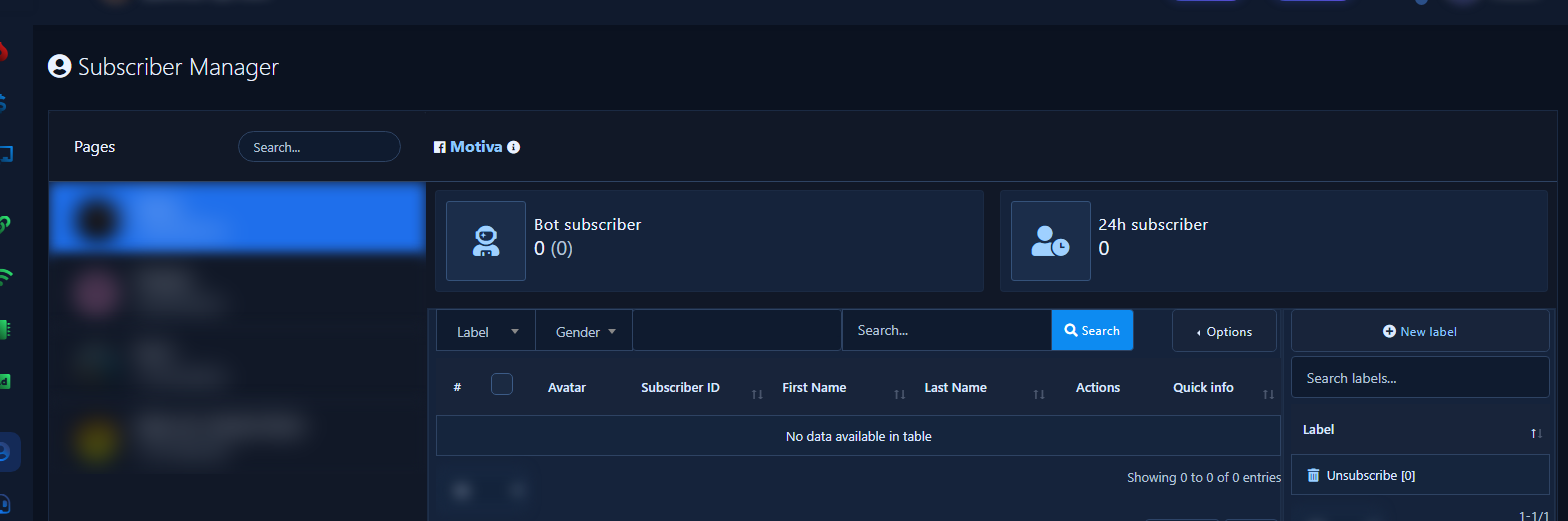
- Use Label, Gender, and Search then run search.
- In the labels panel: New label to create a category.
- The Actions column opens quick tools on a subscriber.
4) Whitelisted domains list
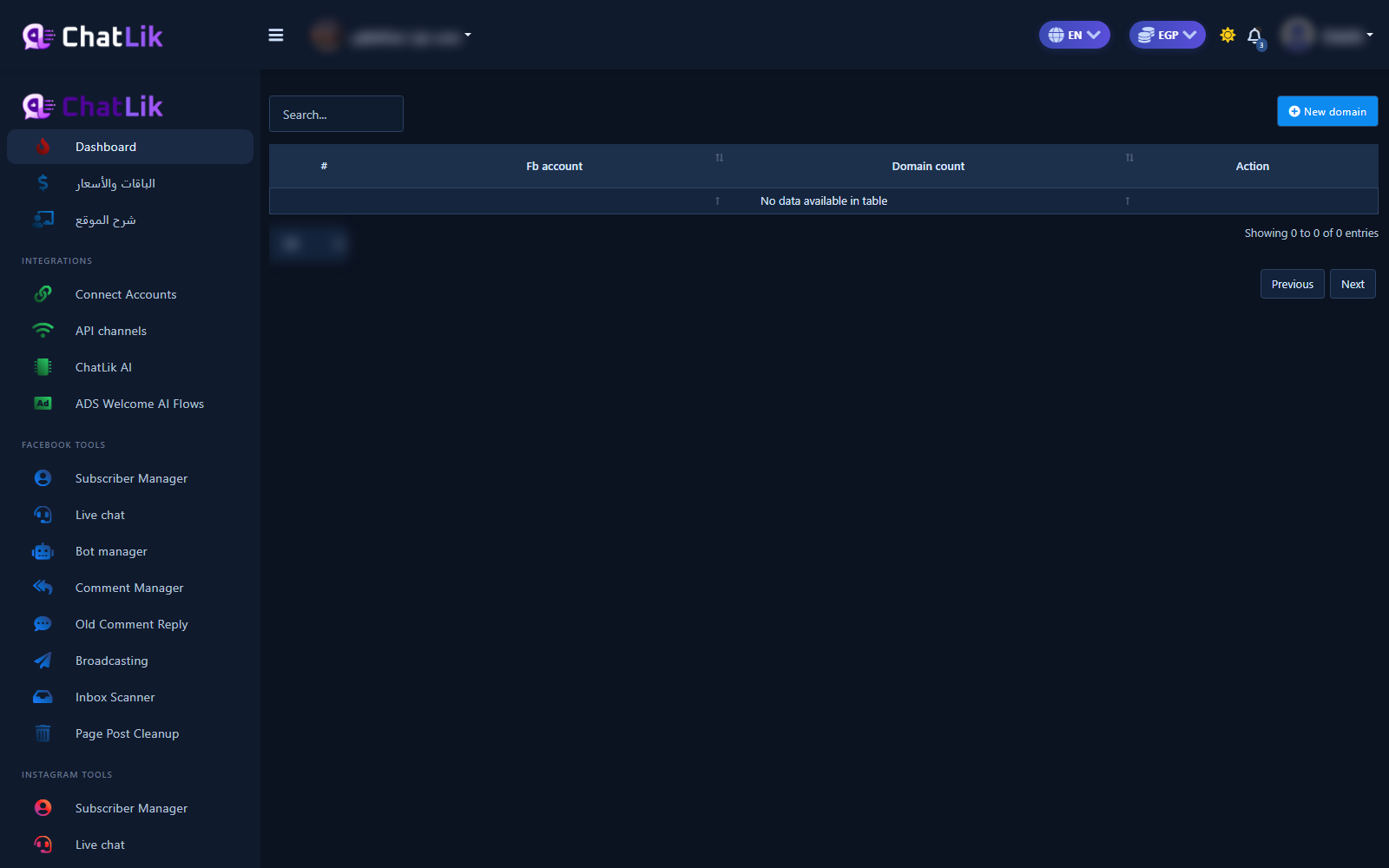
- Open the domains screen from the Page card or the domains path.
- You should see Facebook account, domain count, and Action.
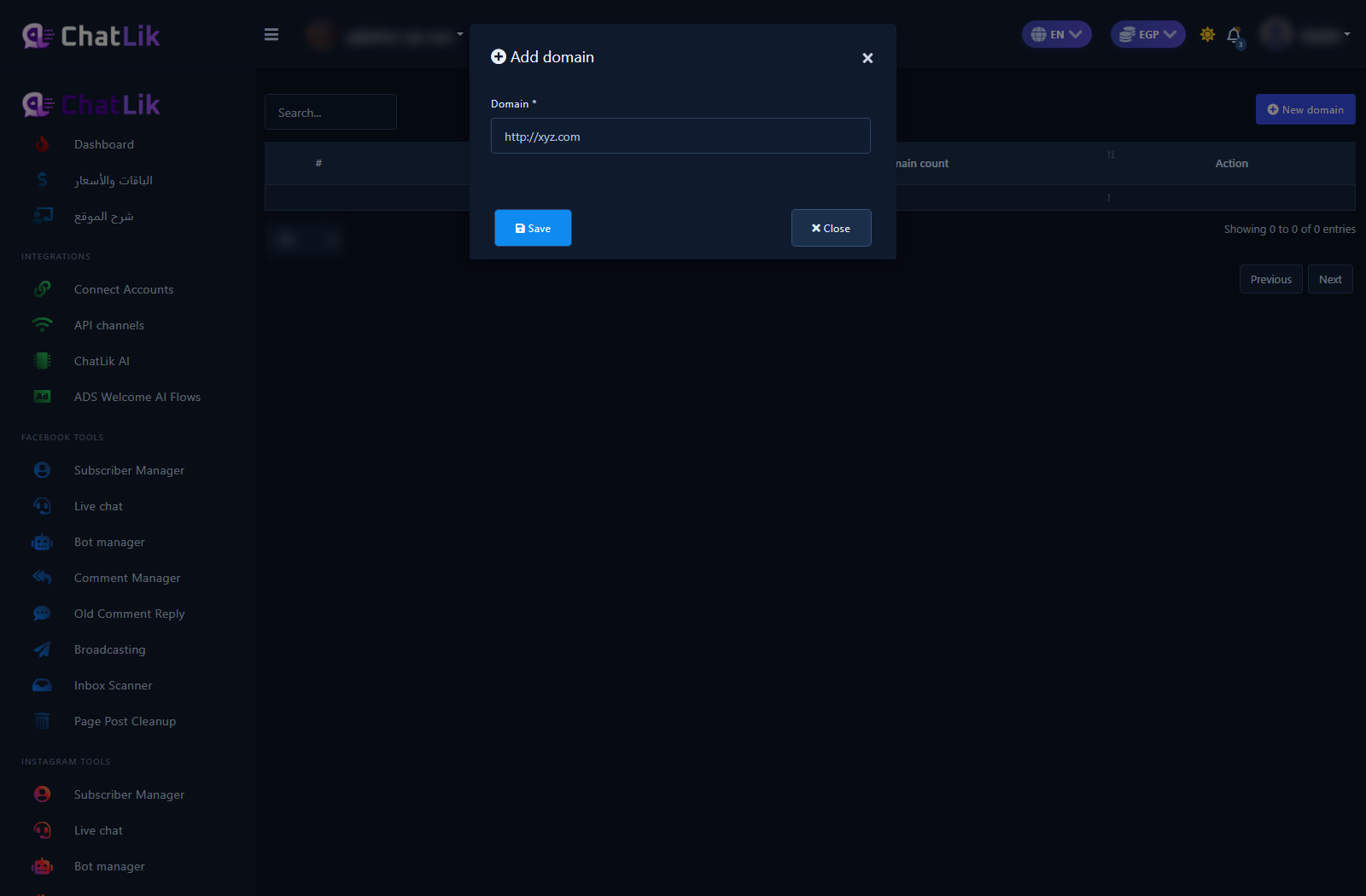
5) Add a new domain
- Click New Domain.
- Enter a full HTTPS domain and save.
- Point a webview/URL button in Post-back Manager or Flow Builder at the same domain.
- Test in Messenger that the button opens the page.
Practical tips
- Whitelist both apex and www if both are used.
- Treat exports as personal data.
- Use a lab Page for empty-list domain tests; a live Page for rich filters.
Common mistakes
- Using http when Meta requires https.
- Ignoring the Errors control when webviews fail.
- Exporting lab subscribers as production data.


