
FAQ Manager stores Q&A pairs ChatLik AI retrieves before improvising. Use Add FAQ with Question, Answer, and Category, then save. Active / Disabled controls visibility.
Before you start
- Collect the top ~15 inbox questions (delivery, payment, sizes, returns).
- Open ChatLik AI and select the Page.
- Keep fast-changing prices in Products Catalog, not static FAQ, when they change daily.
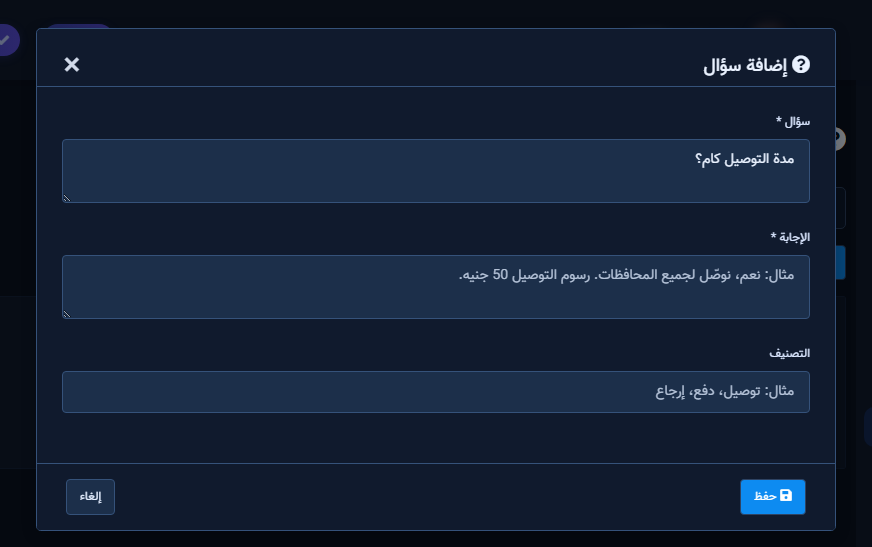
Add FAQs
- Open FAQ Manager → Add FAQ.
- Write Question in the customer’s phrasing and a precise short Answer.
- Optionally set Category (Delivery, Payment, Returns).
- Save; repeat; watch Status.
- Disable expired seasonal entries instead of deleting if they may return.
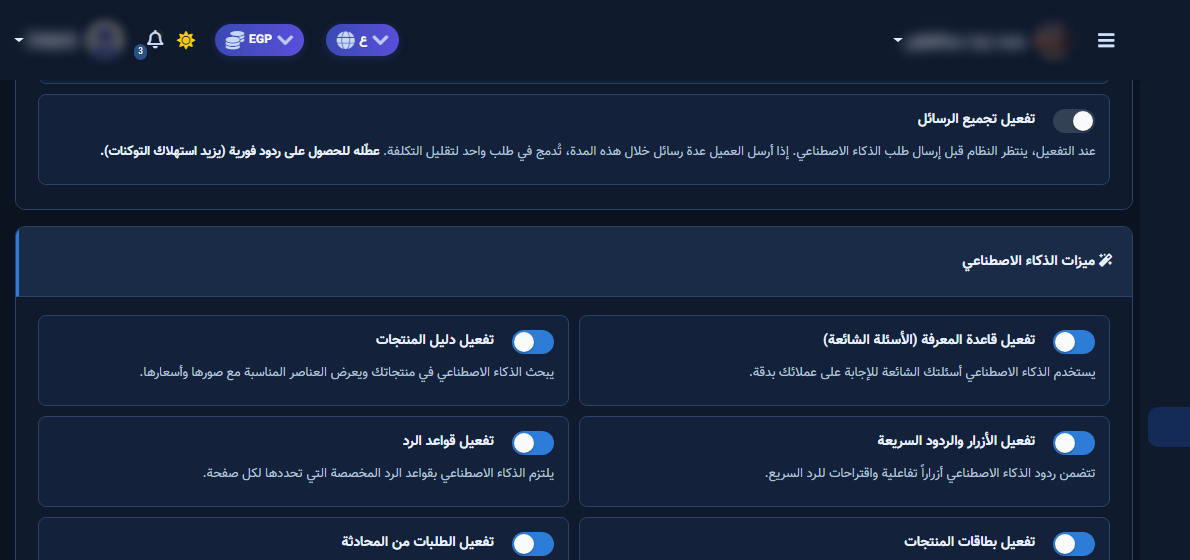
Test and refresh
- In Playground ask nearly verbatim customer phrasing.
- If the model improvises differently, add synonyms to the question or update the answer.
- After large edits, rebuild embeddings if the UI offers it.
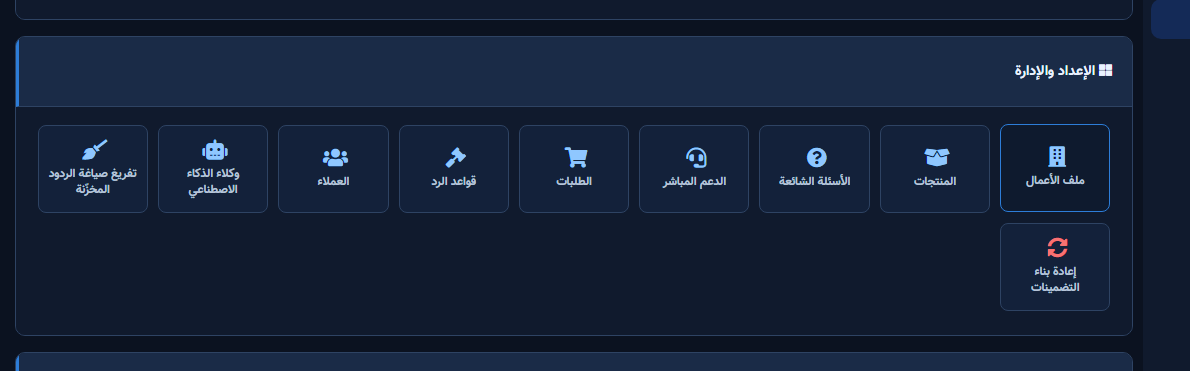
After setup and verification
- Document for the team: selected Page, who owns review, and when Playground was last tested.
- Review day-one live replies, any error logs, and unexpected credit usage.
- If price, policy, or hours change the same week, re-run the critical scenarios before trusting automation.
- Keep a clear human escalation path when automation fails — never leave the customer without a fallback.
Ongoing quality control
- Assign one owner to review this screen weekly so responsibility is not diffused.
- On repeating customer complaints, reopen related settings and compare them with Business Profile and FAQ.
- Log pause/edit decisions with a date so the next teammate knows what changed and why.
- Do not treat setup as finished after the first save — review it with every new offer or season.
Practical tips
- One idea per answer — do not merge two policies.
- Update FAQ when delivery fees change.
- Use categories for bulk review.
- Recheck permissions if Save/Refresh buttons disappear after a role change.
Common mistakes
- Marketing-only phrasing customers never type.
- Answers that contradict Business Profile.
- Leaving expired promos Active.
- Treating Save alone as success without a realistic customer scenario test.
Related: Business Profile · Products · Playground.


