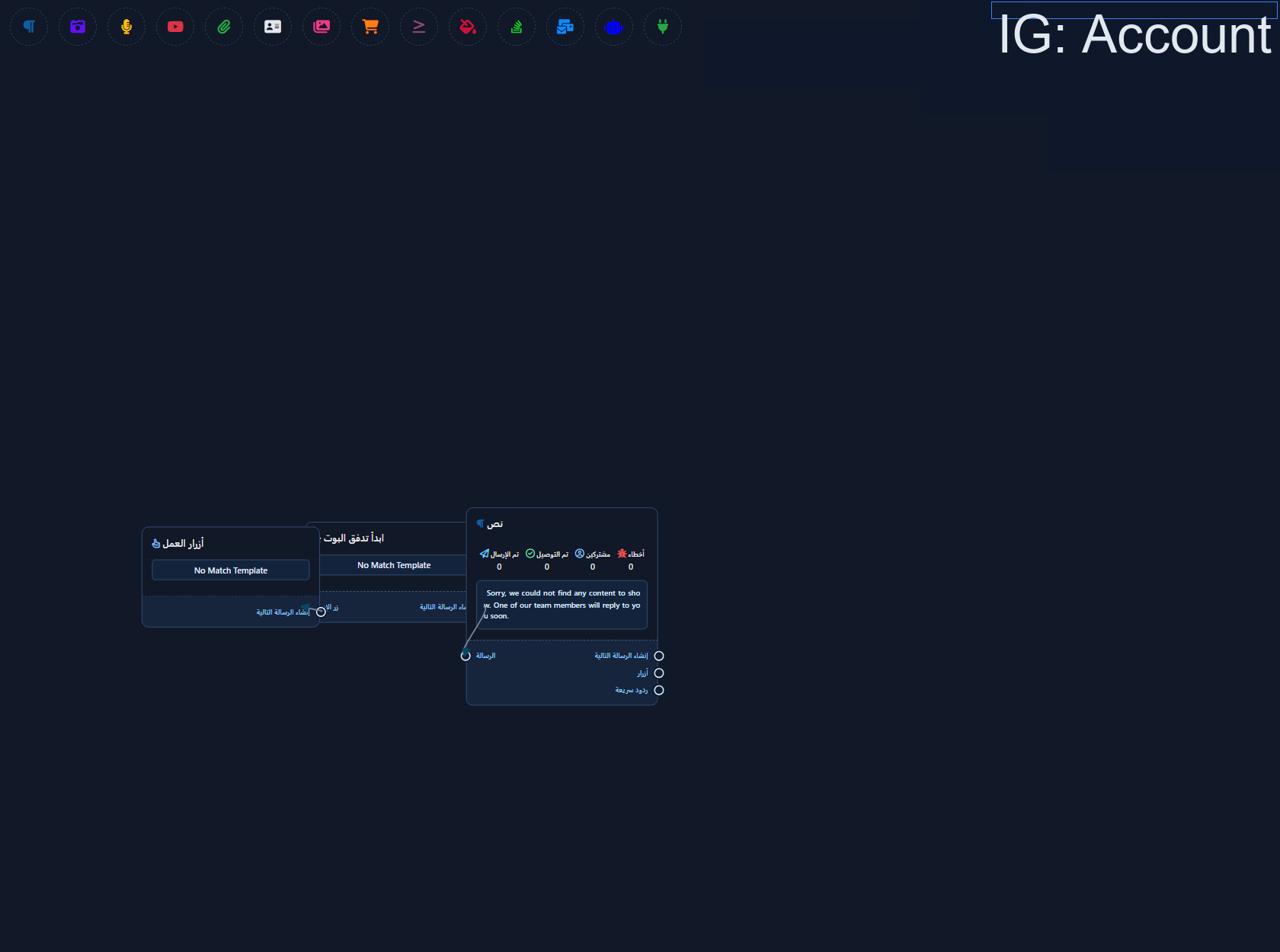
Instagram No Match Template

Instagram No Match Template

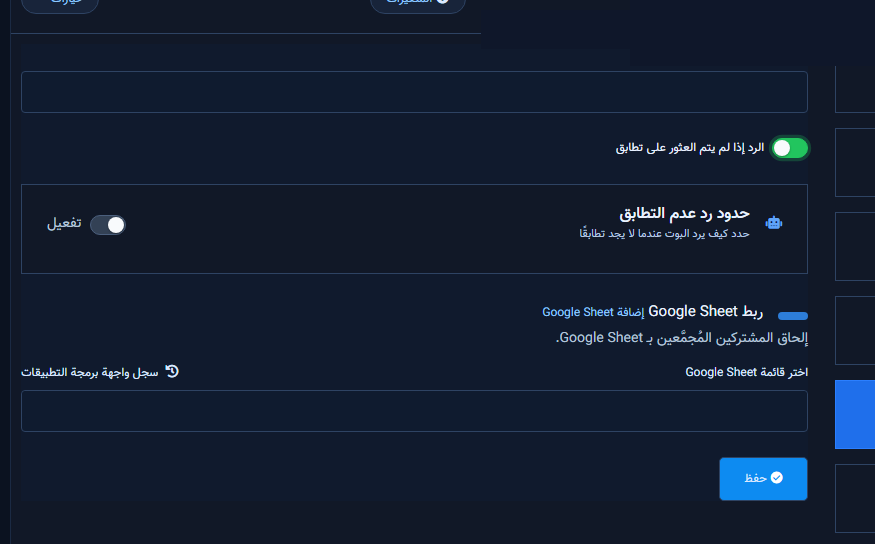
Instagram No Match is the fallback when nothing else matches. Enable Reply if no match found in General Settings first, then edit the template from Action Button Settings (IG Visual Flow).
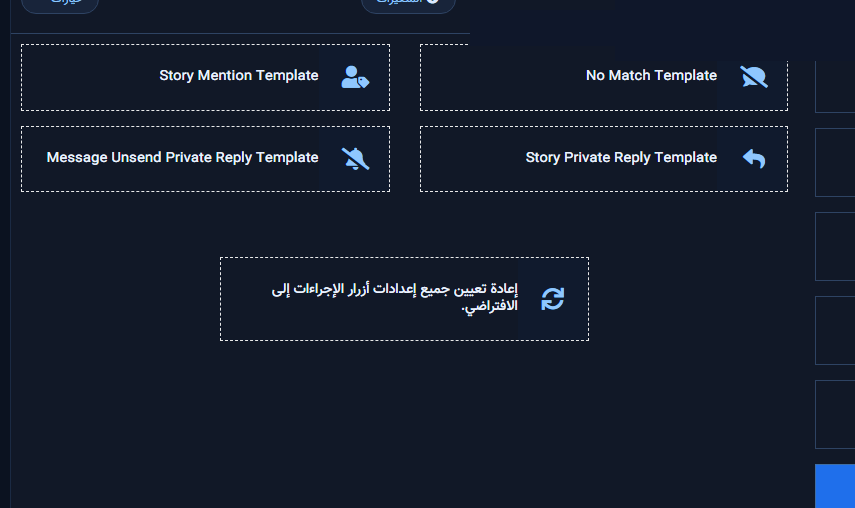
IG Action Button Settings — No Match Template card
General Settings: Reply if no match found enabled
No Match template on the Instagram flow canvas
  1. Enable and save the General Settings switch.
  2. Open No Match Template in the IG builder and save a short fallback.

Related: Ice Breakers · Reply limits.

Next step

Sign up.

Keywords BotInstagramChatLik guidesHow-to guideChatLik
Share this article: