Instagram Flow Builder How-To

Instagram Flow Builder How-To

The Instagram Visual Flow Builder is separate from Messenger — no Get Started. Open Instagram ToolsBot ManagerBot Reply (builder URL ends with /ig or shows an IG: badge). Editing a Facebook flow will not drive Instagram DMs.
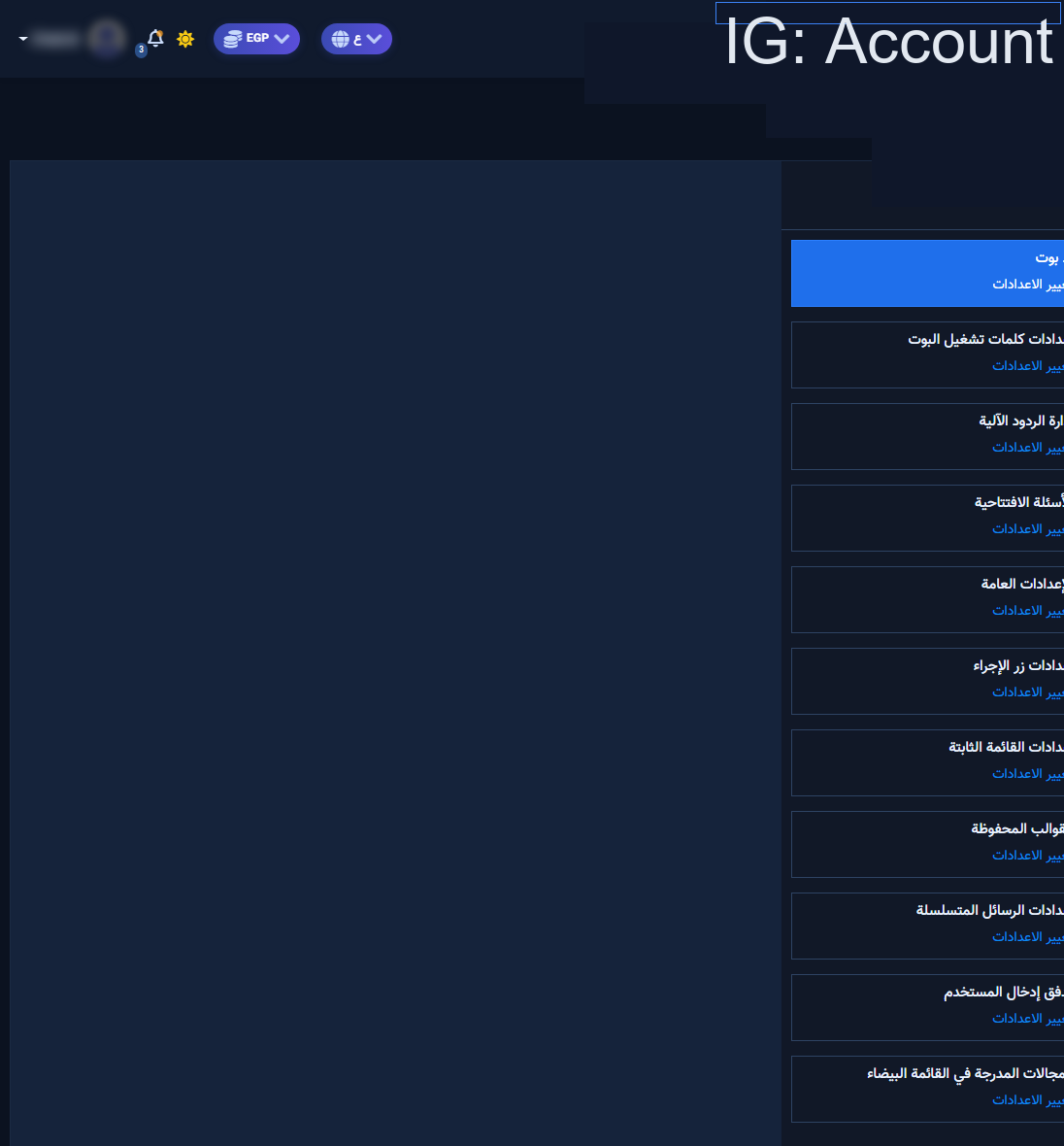
Instagram Bot Manager — Bot Reply card before opening a flow

1) Flow list

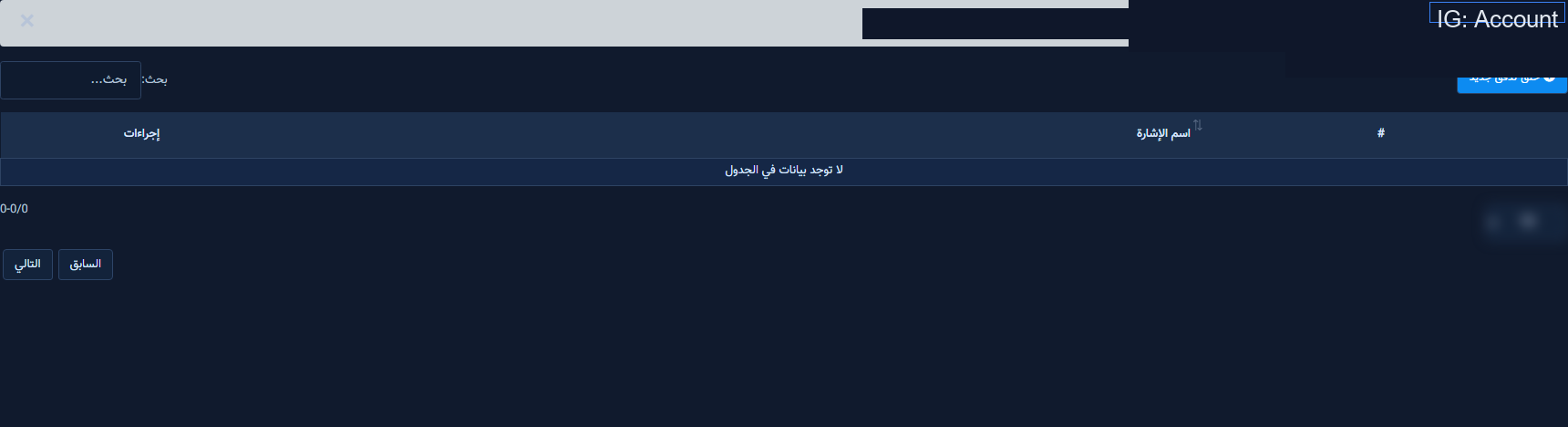
Instagram Bot Reply flow list with Create new flow
  1. Select the IG account → open Bot Reply.
  2. Create or edit a clearly named flow.

2) Start node and dock
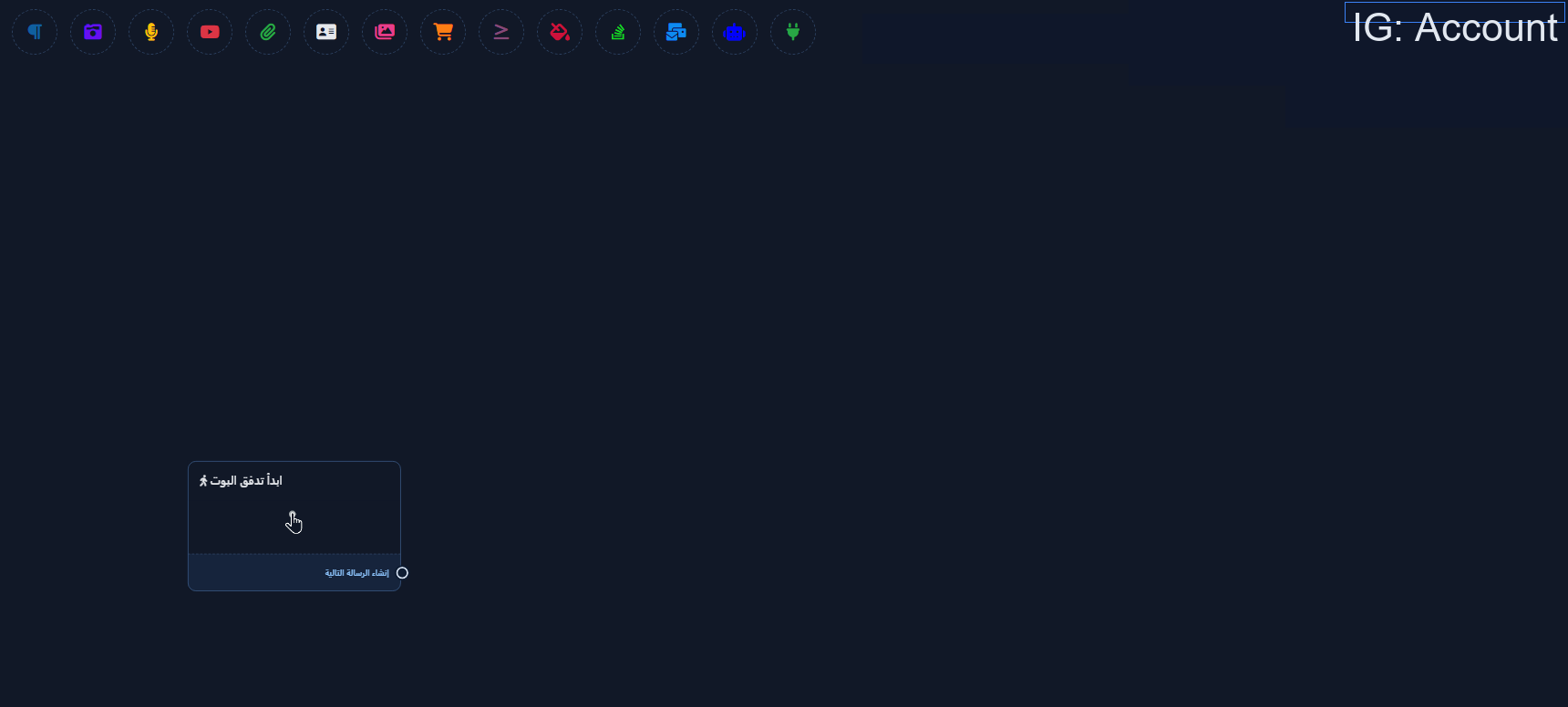
Start bot flow node on the Instagram canvas
Instagram flow builder node dock and Save
  1. Configure keywords on the start node when needed.
  2. Add Text / Buttons / Quick replies from the dock.

3) Wire, save, test
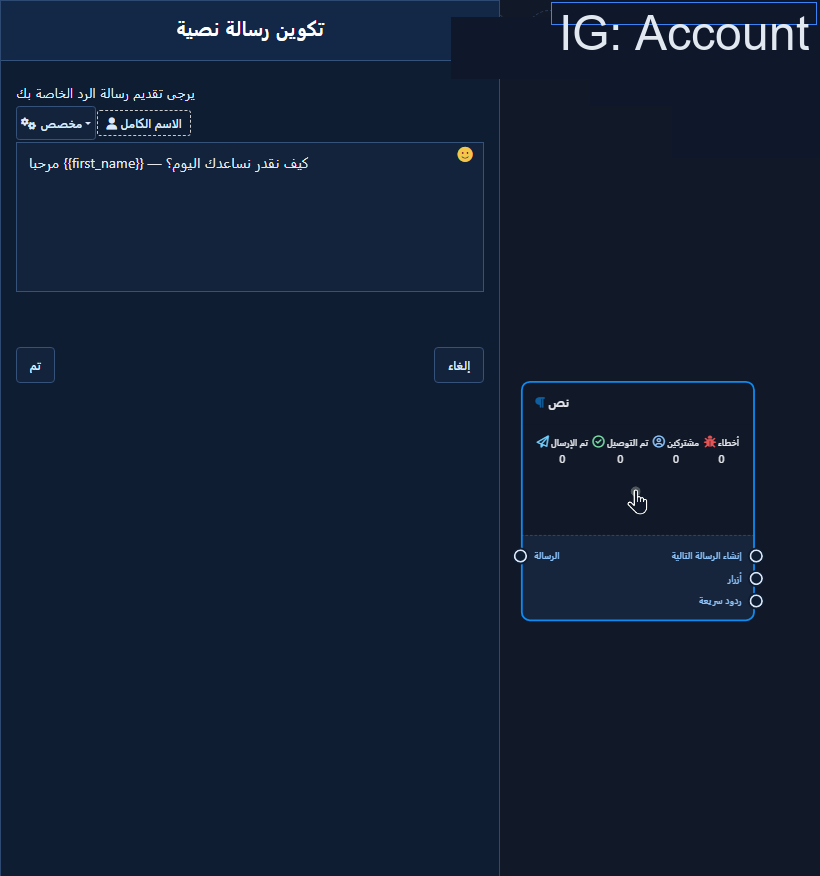
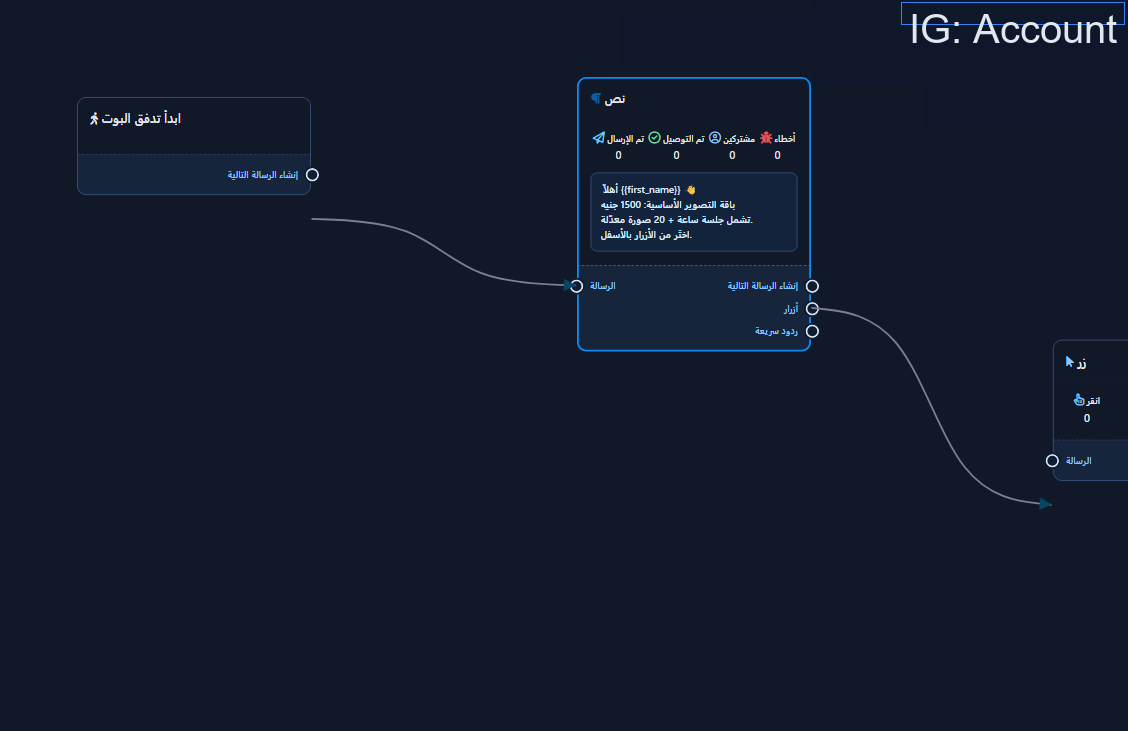
Text node open on an Instagram flow
Wired Instagram mini-flow: start → text → buttons
  1. Connect Compose-next-message and Buttons ports.
  2. Save/publish, then test from a fresh customer Instagram DM.

Related: Full IG visual flow guide · Ice Breakers.

Next step

Sign up.

Keywords InstagramChatLikChatLik guidesHow-to guide
Share this article: