
WhatsApp webhooks receive events from an external system into ChatLik, then run automation rules. Integration glue — not a replacement for Inbox.
1) Manage endpoints
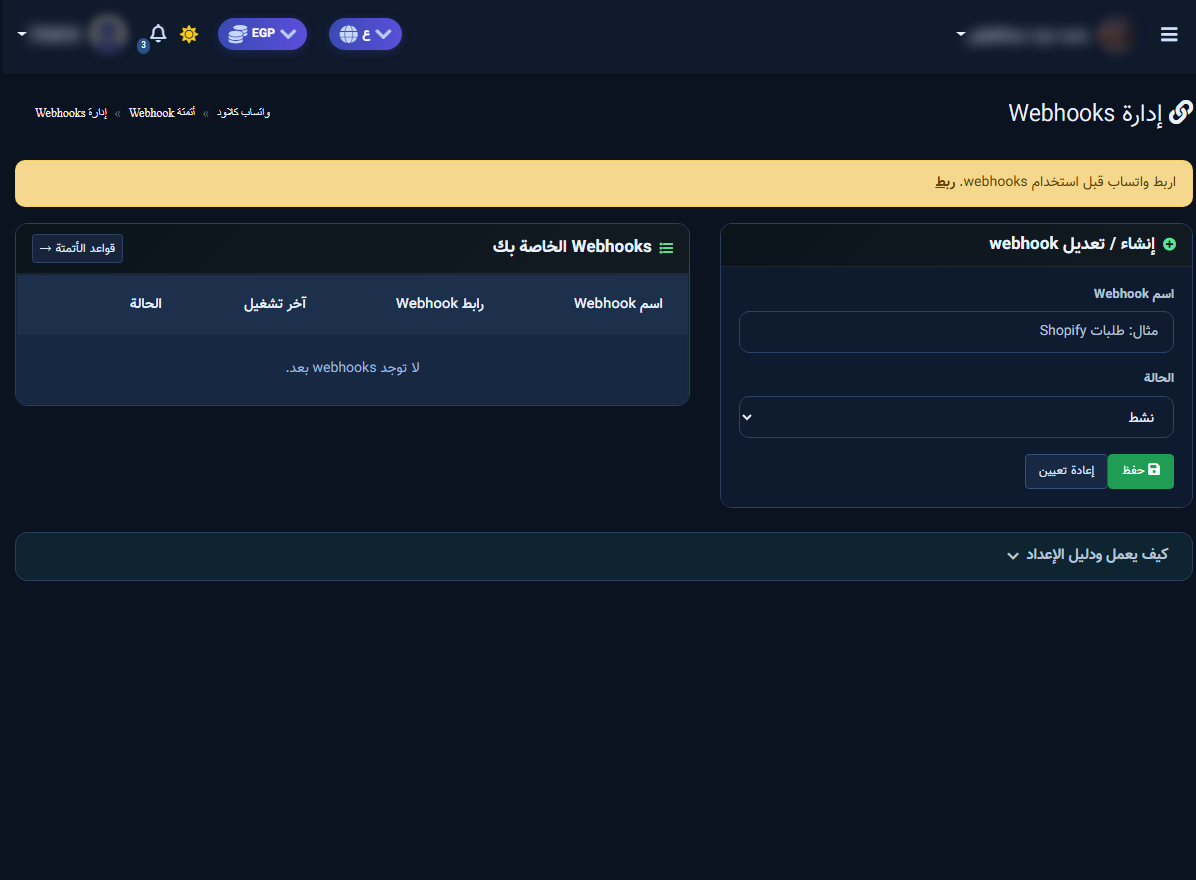
WhatsApp Cloud → Webhook automation → Manage Webhooks. Name the webhook, set Active, Save, then copy URL/secret from the setup guide on the page.
2) Automation rules
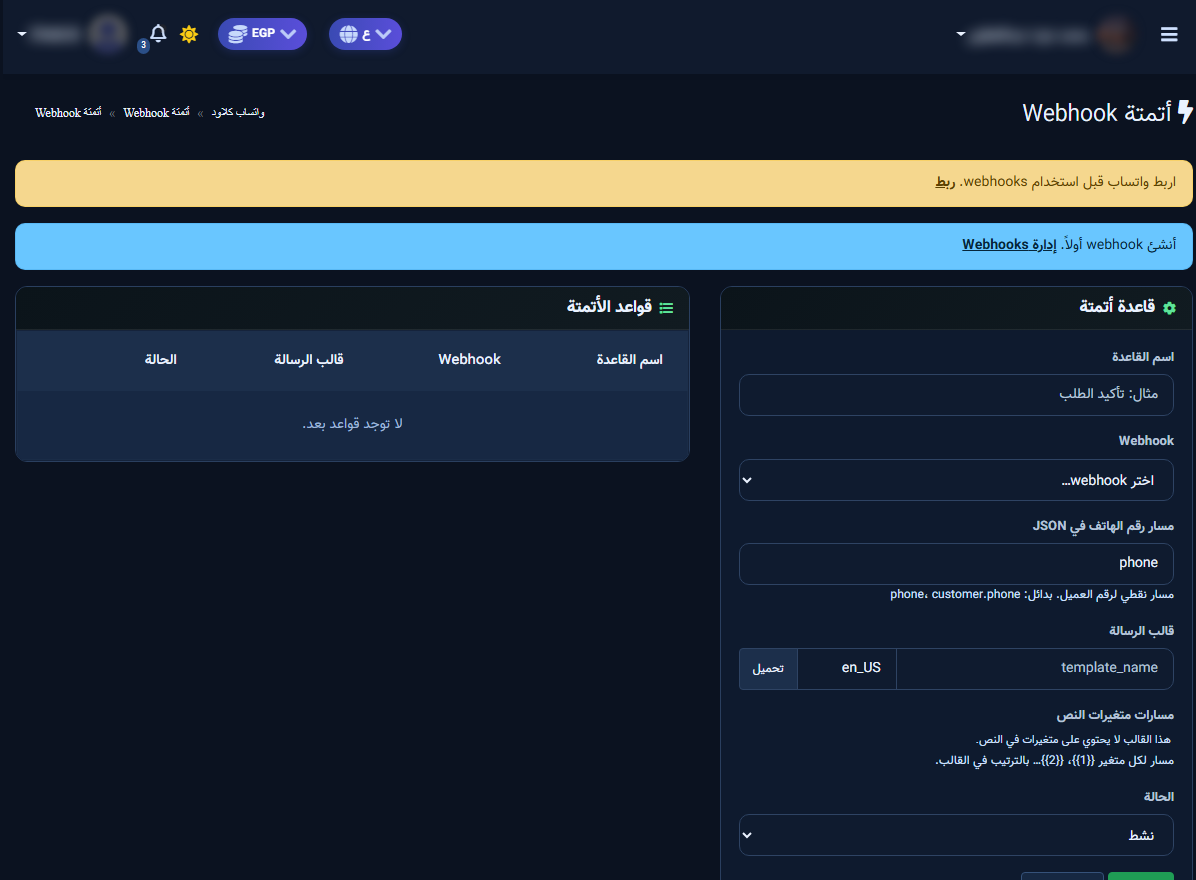
Open Automation rules. Fill rule name, select webhook, set the JSON phone path (e.g. phone), load a message template + language, then activate after a small test.


