
Scenario Editor builds visual WhatsApp automation: Welcome, No-Match, and Keyword scenarios.
The three core cards
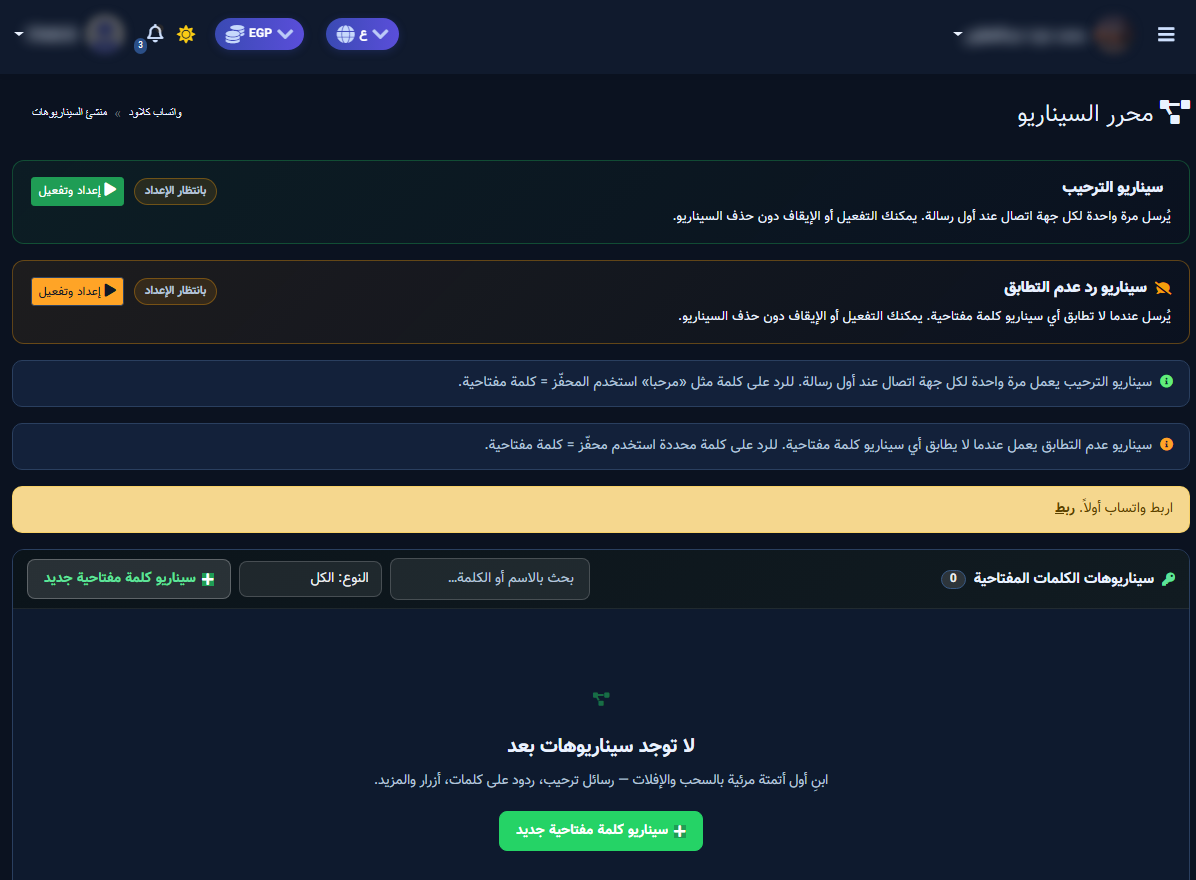
- Welcome: once per contact — Setup & Enable.
- No-match: when no keyword matches.
- Keyword scenarios: search + type filter + New keyword scenario.
Build steps
- Connect WhatsApp and enable the bot.
- Open Flow Builder from WhatsApp Tools.
- Start with a short welcome or a keyword scenario.
- Add message/button nodes, wire paths, save and enable.
- Do not dual-run quick-rule welcome with scenario welcome.


