
Broadcast = approved Meta template + audience on Send Campaign; track on Campaign Dashboard.
Before you send
- From Templates, confirm the template is approved.
- Open Broadcast. Fix connection if «Connect WhatsApp first» appears.
- Prepare a clear audience segment — avoid daily random blasts.
Send Campaign — select template
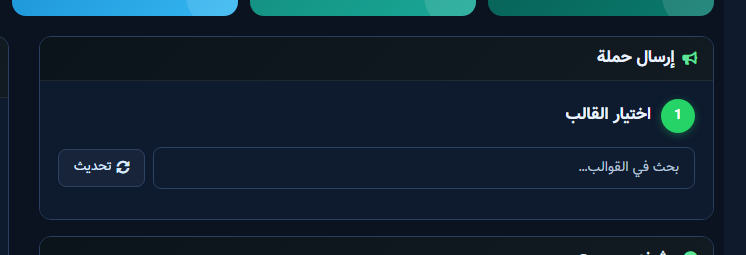
- In Send Campaign start at 1 Select Template.
- Use Search templates or click Refresh to sync Meta.
- Pick the template, then set title, audience, and body variables.
- Review recipient count. Choose send now or schedule.
- Submit only after review — never test on a full production list.
Campaign Dashboard
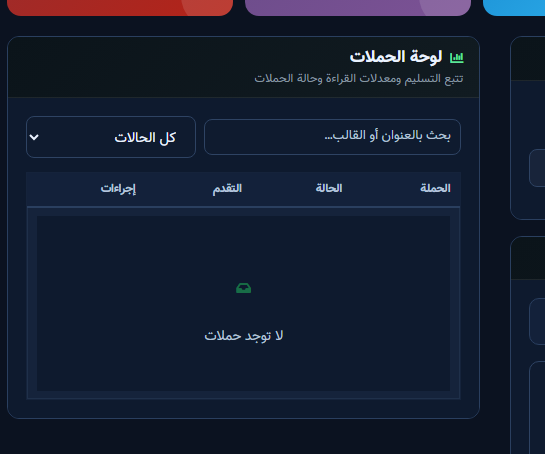
Track status (pending / sent / failed). Empty state «No campaigns» is normal before the first send. Open details and retry failures after fixing token/template/invalid numbers.


