
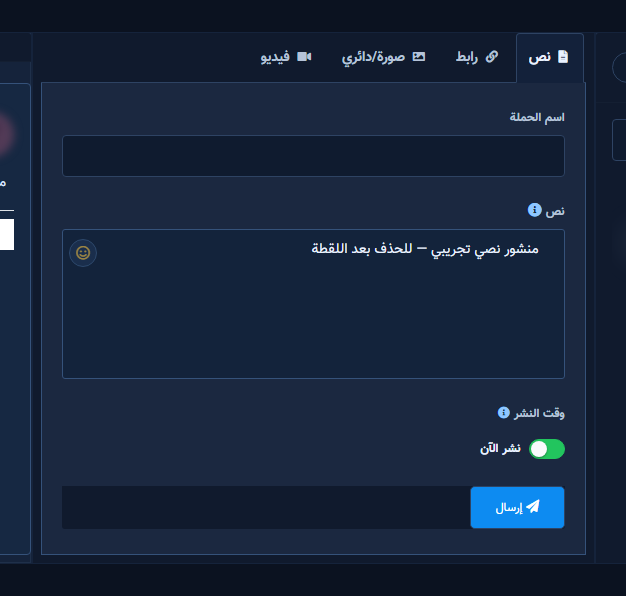
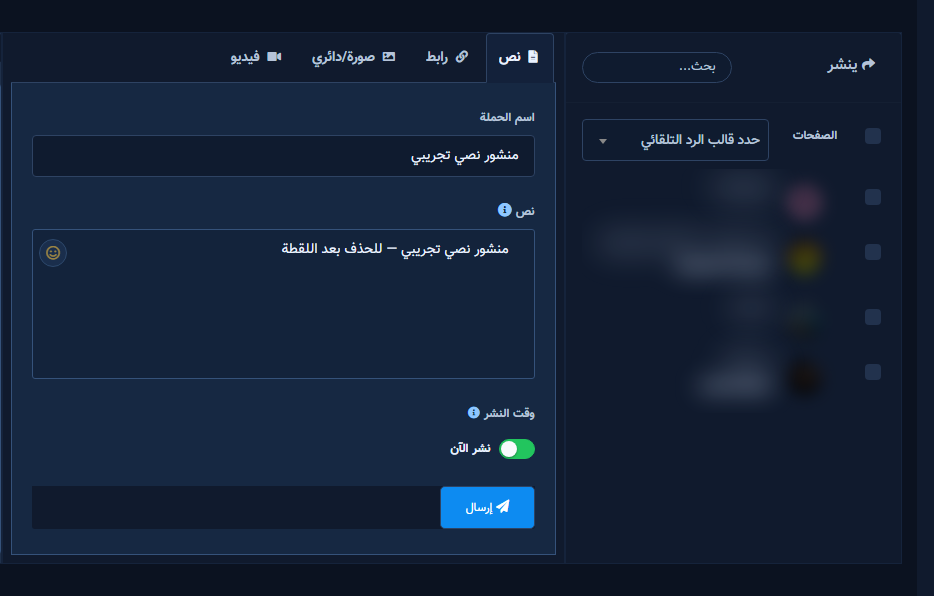
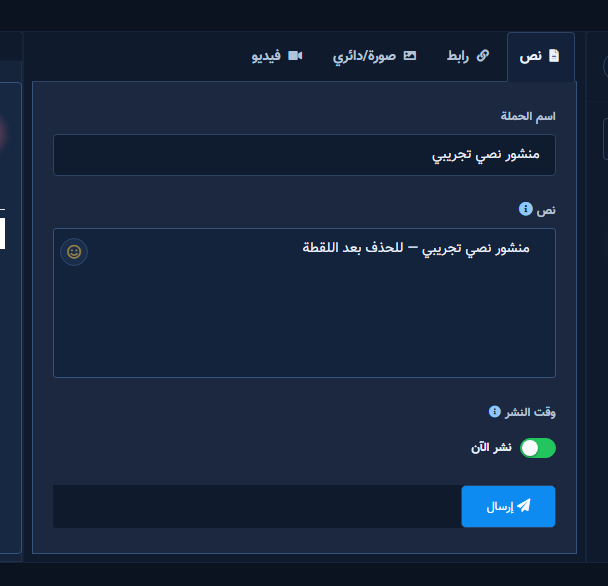
The Text tab (text_post) creates a text-only Facebook post. No media upload — only the message field.
Before you start
- Publish permission on Page/account.
- Open Multimedia from Posting Tools.
Fields & mode
- Campaign Name — internal.
- Pages / Instagram — destination.
- Message — full post copy.
- Auto Reply Template — optional.
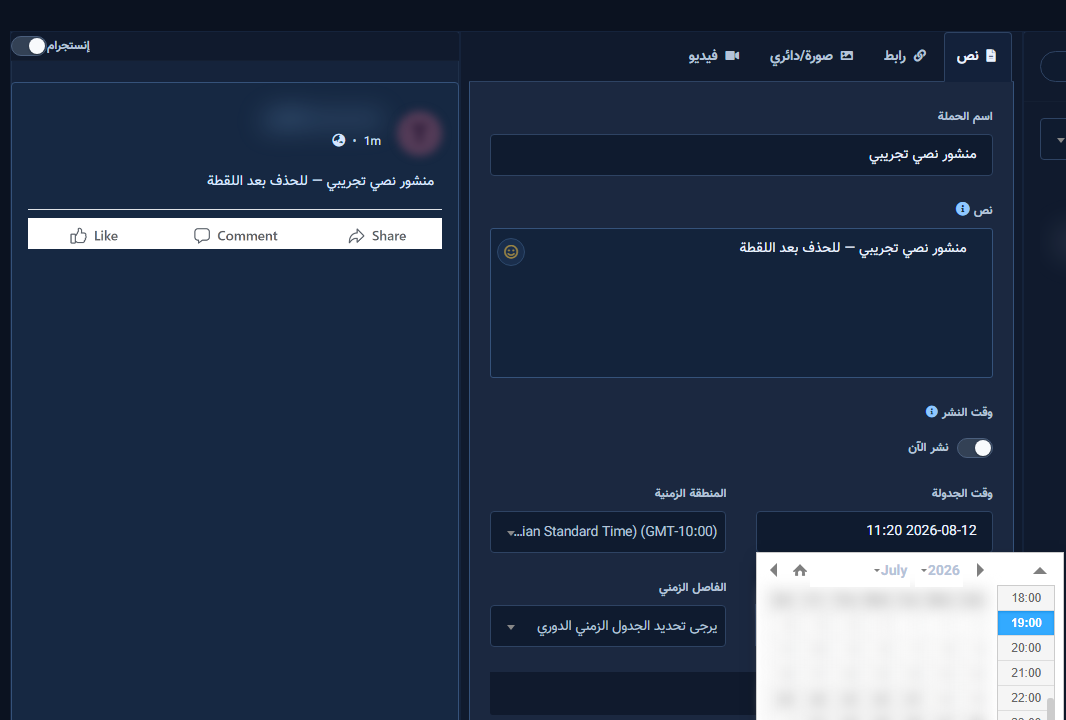
- Post Now or schedule + timezone + optional repost.
Step-by-step
- Open Multimedia → Create new Post with the Text tab active.
- Enter campaign name; select Page/account.
- Fill Message on the Text tab.
- Uncheck Post Now if needed; set time on this same Text form; review before Submit.
Tips
- Test on a sandbox Page.
- Long copy may truncate in preview but publishes fully.
Common mistakes
- Submit with no Page.
- Wrong timezone.
Related
Next step
Try ChatLik via sign up.


