
Single-post Instagram reply enables visitor-comment automation for one post only — use it when a Reel/offer needs different copy than the full-account rule.
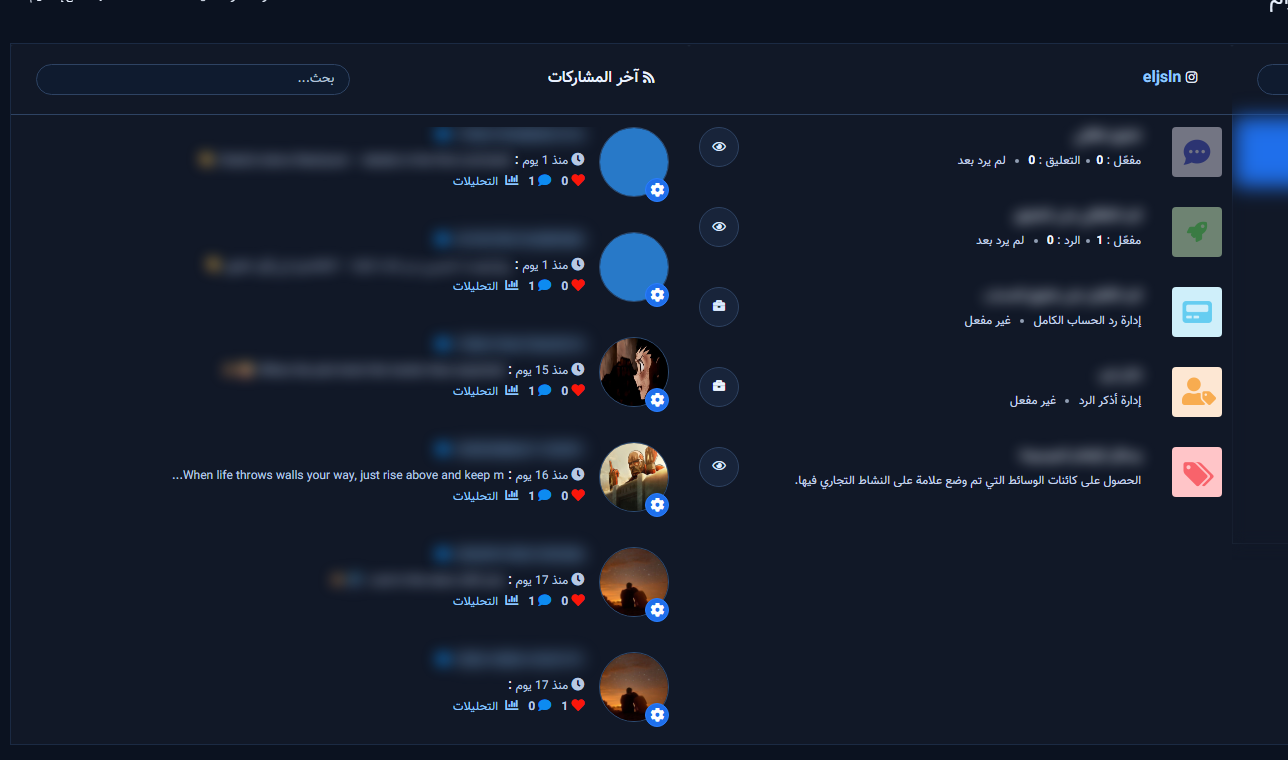
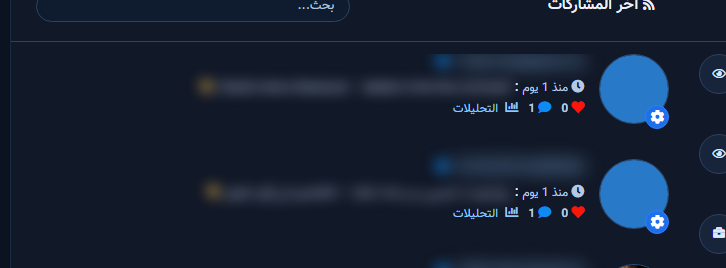
Open latest posts and enable
- Instagram Tools → Comment Manager → All Post List → pick the account.
- On the post row, enable auto comment reply (or edit an existing campaign).
Configure the modal
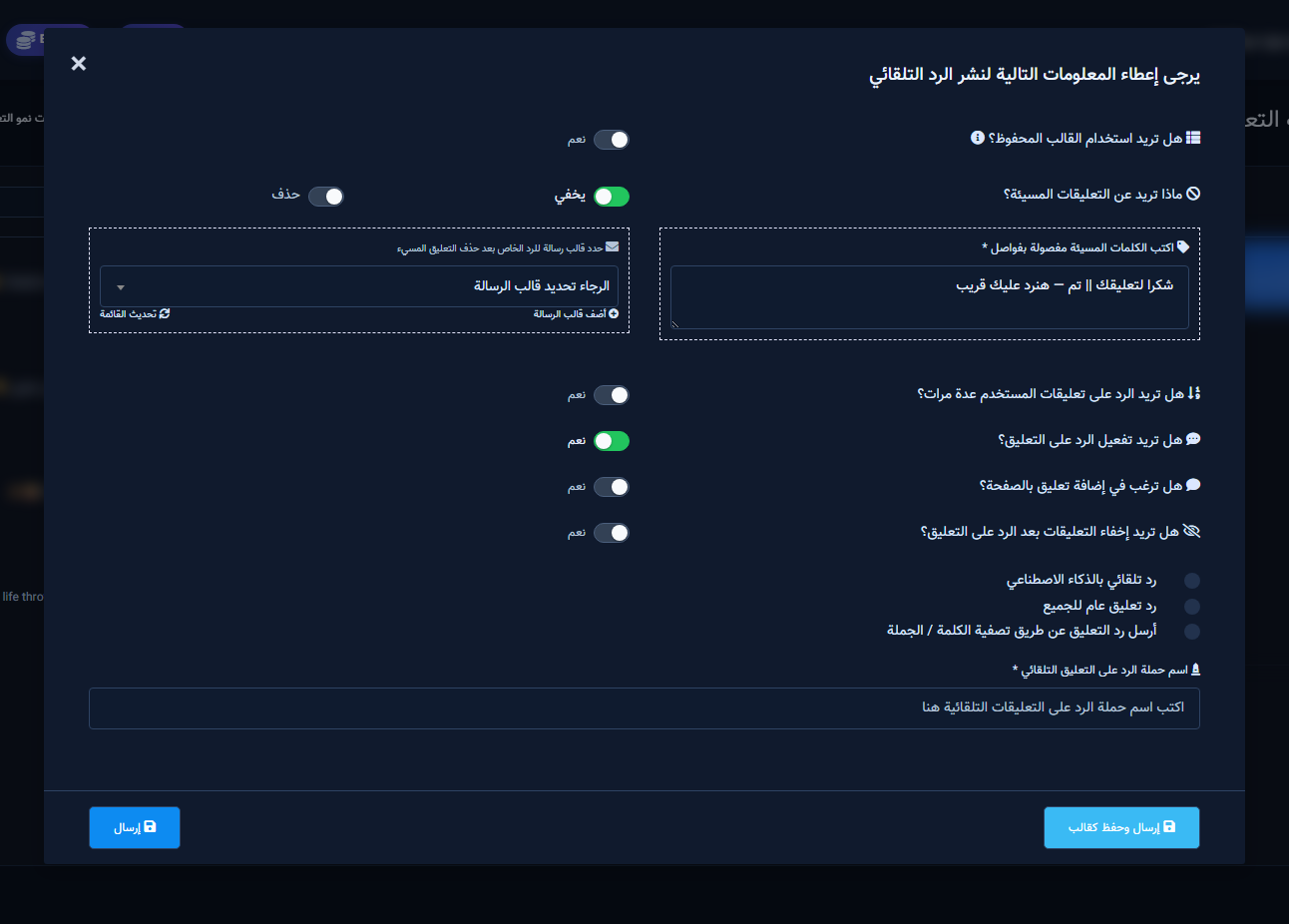
- Turn off the saved-template toggle if you need the full fields.
- Set offensive handling, reply type (generic / filter / AI), then write reply text with optional || variants.

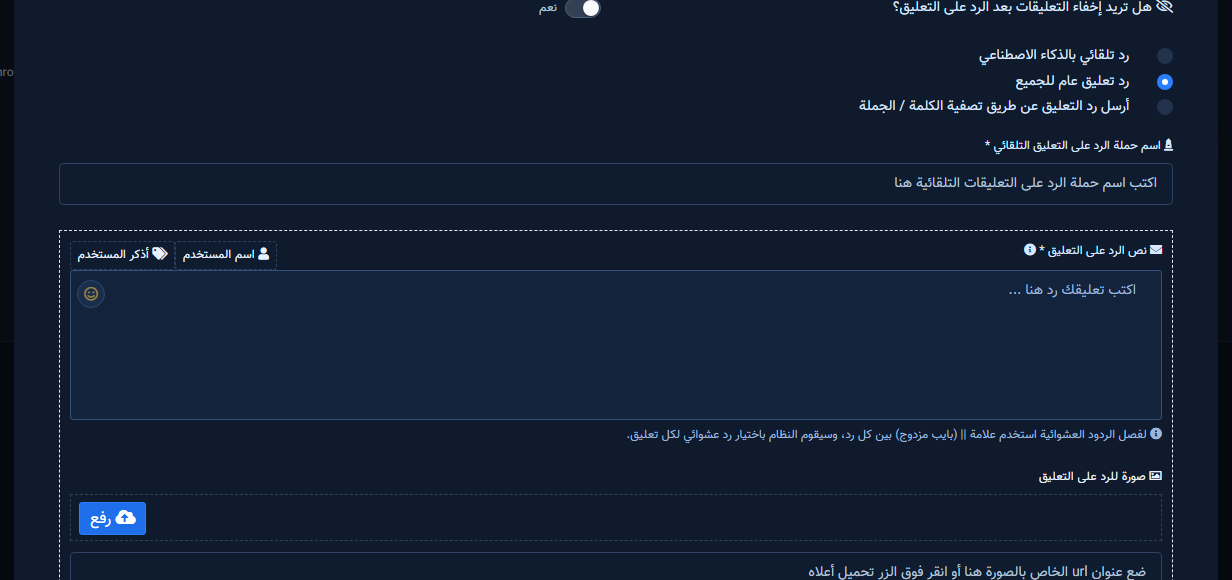
After save
Report / edit / pause actions replace the enable button. Test with a real comment.


