
Follow this sequence on the official ChatLik sign-up page. The bold labels match the fields and controls shown in the interface. Activation is one-click from the email link — there is no email + code form.
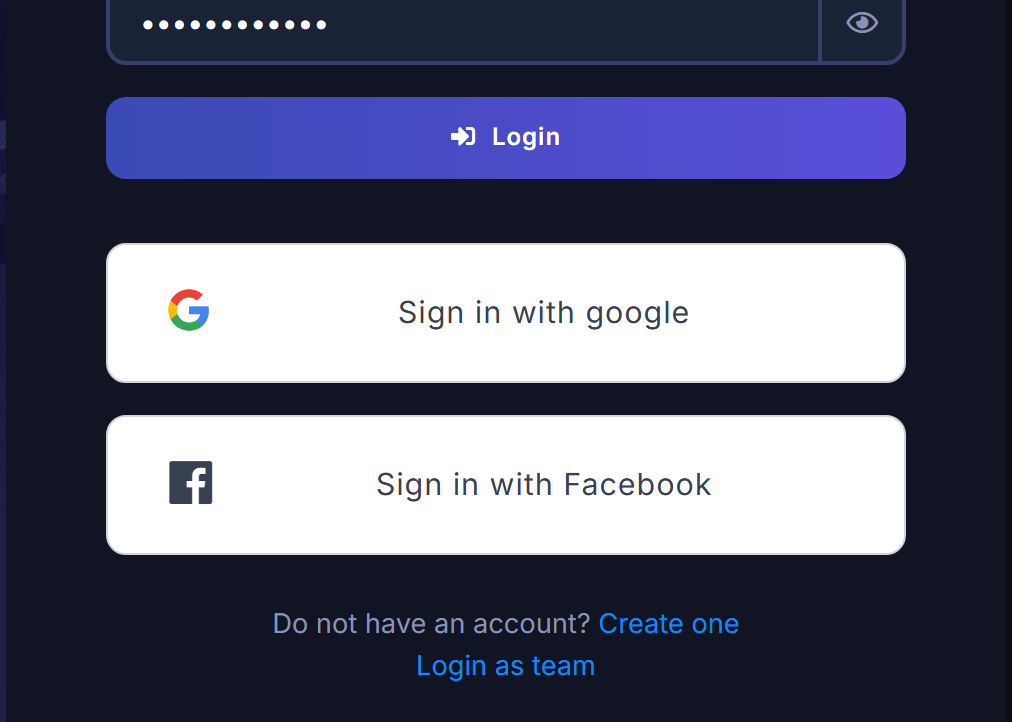
You can also create an account or sign in directly with Sign in with Facebook or Sign in with google on the login page. The same social buttons are used every time for both first-time signup and later login (social OAuth) — there is no separate button per action.
Create the account
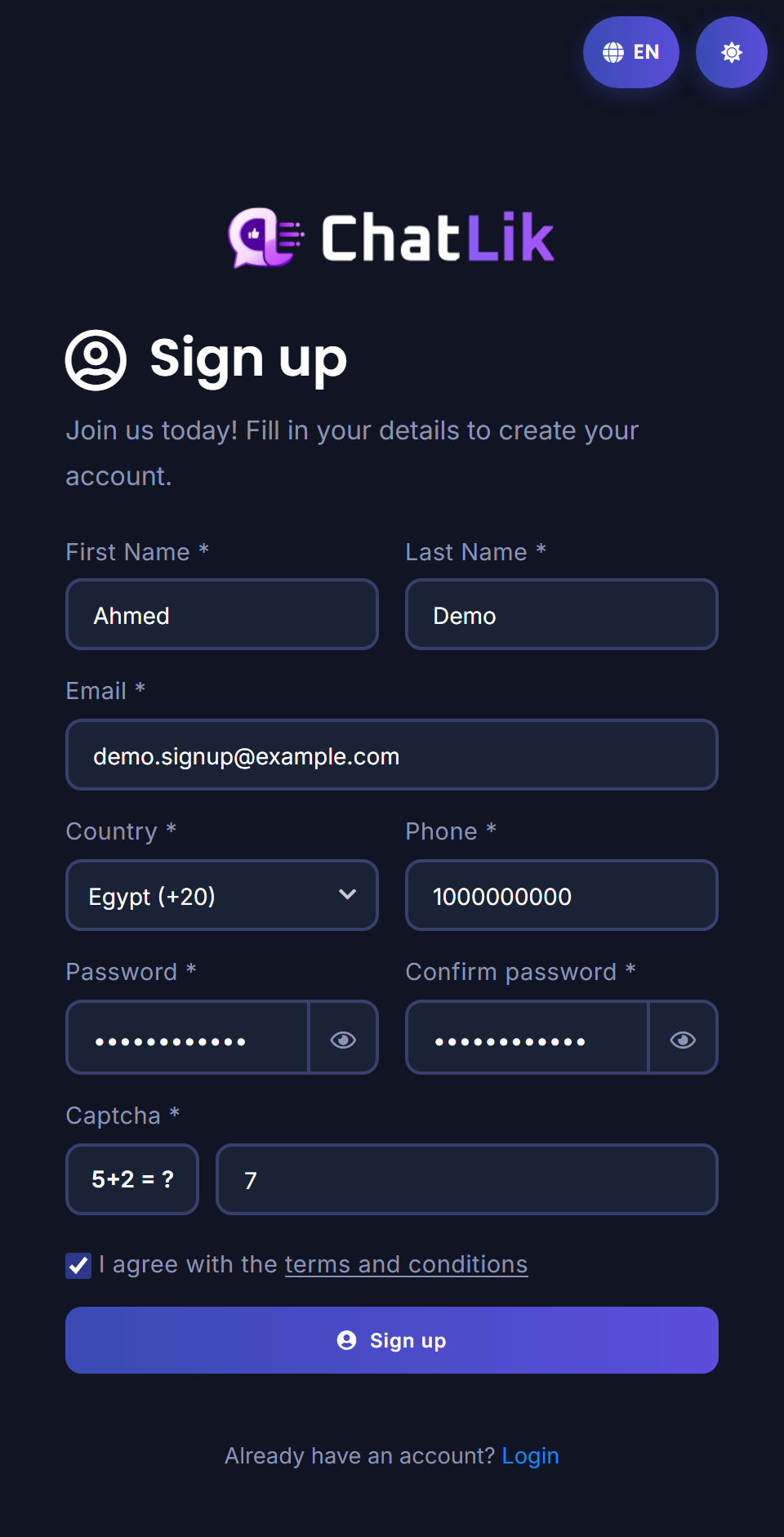
- Open the sign-up page. Enter your given name in First Name and your family name in Last Name.
- Enter a working address in Email. Check it carefully because ChatLik sends the account activation link there.
- Select your Country, then enter your number in Phone using the format appropriate for that country.
- Enter a password in Password, then type the same value in Confirm Password.
- Complete the security challenge in Captcha.
- Review the details, select the checkbox confirming that you agree to the terms and conditions, then click Sign Up once.
Sign up or log in with Facebook and Google
- Open the Login page.
- Click Sign in with google or Sign in with Facebook and finish the provider window. The same button works for first-time signup and later login.
Activate from the email link
This path is for email/password signup. Facebook/Google signup skips this activation step.
- Open ChatLik’s email. Check spam or junk if it is not in the inbox.
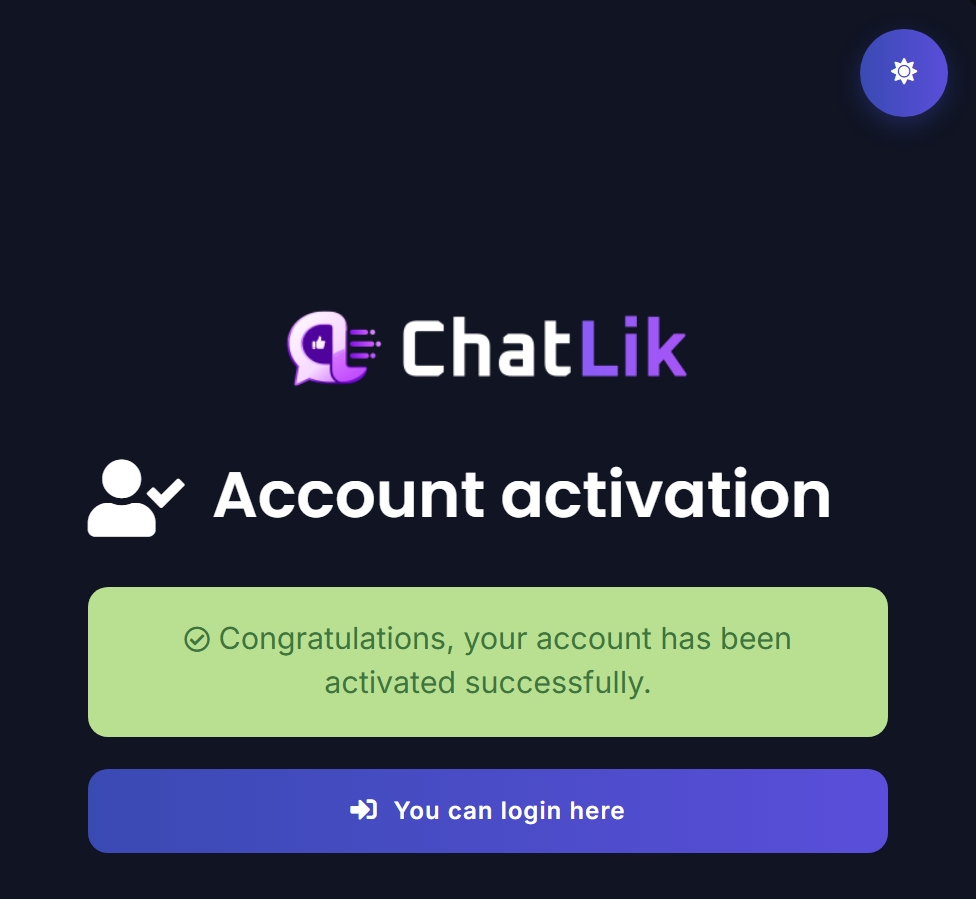
- Click the activation button or link. Your browser opens Account activation and the account activates immediately — no email or code to type.
- On success you see a green confirmation: Congratulations, your account has been activated successfully. Below it is a purple button: You can login here.
Log in
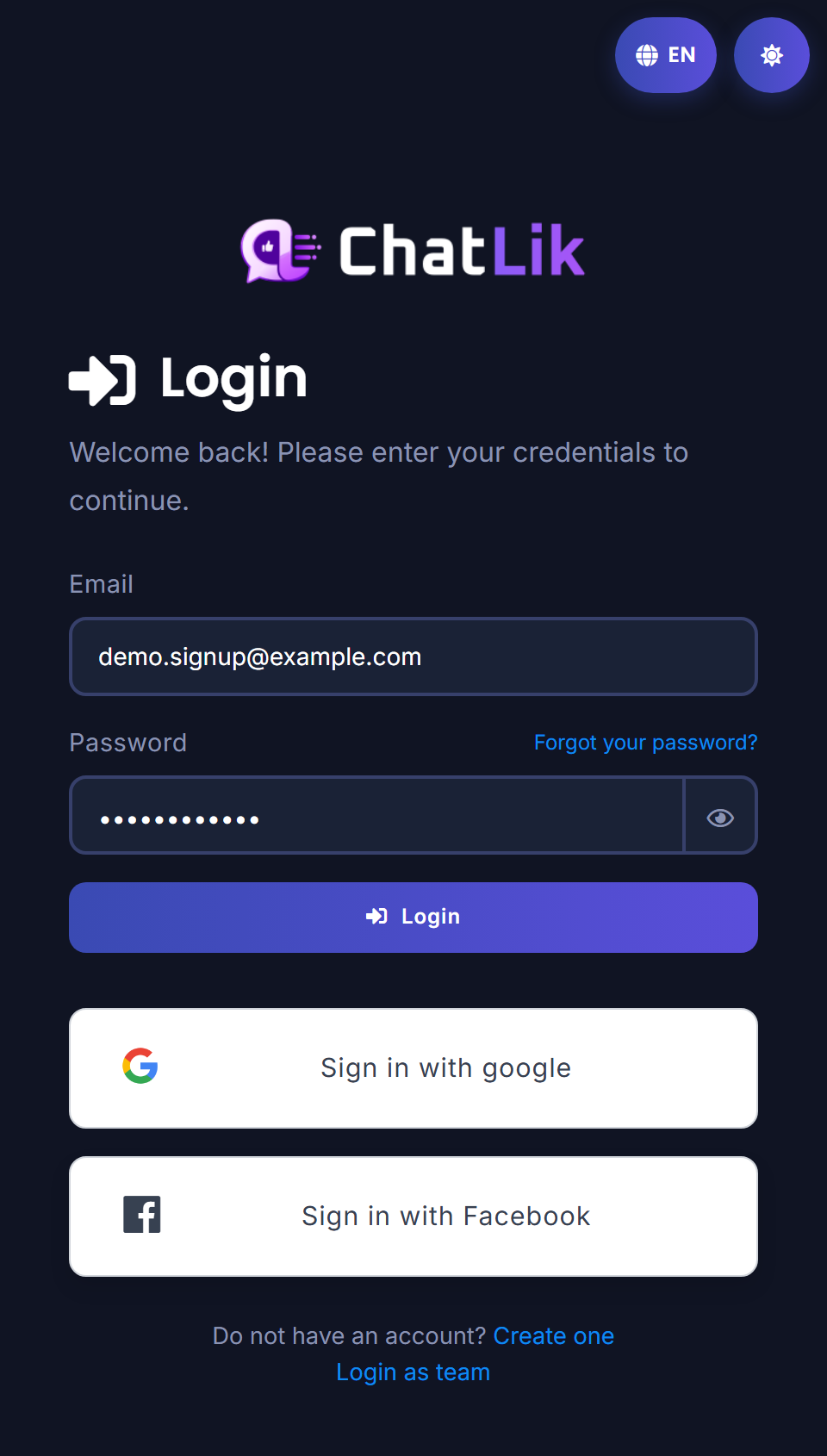
- Click You can login here, or open the Login page.
- Enter your email in Email, enter your password, and click Login — or use the Facebook/Google buttons above.
If the link is invalid or expired, use the latest activation email for the same address you registered.
Related: Connect Facebook & enable bot · Connect WhatsApp.


