
Bot keyword settings is the classic keyword→reply path — not Bot Reply, not Visual Flow, and not the tree view (Get Started / No Match). Visual path: keyword reply via flow builder.
Open the classic editor
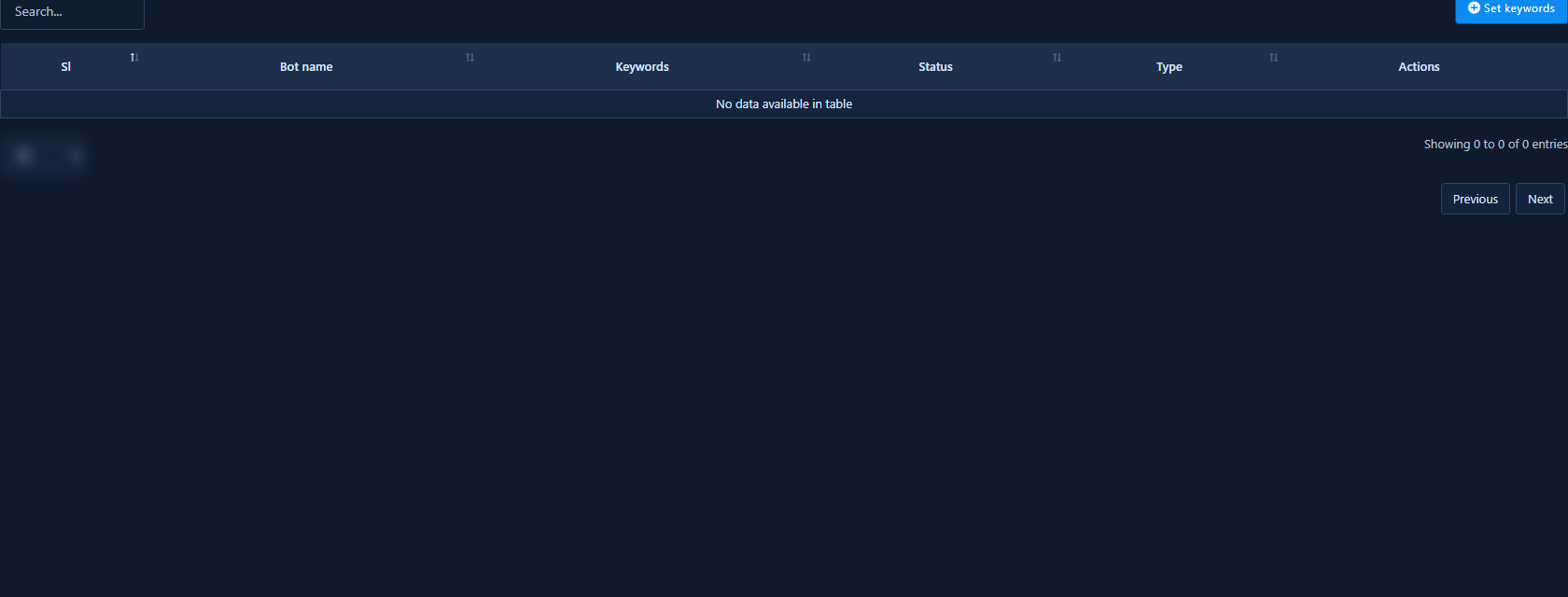
- Bot Manager → Bot Keyword Settings → Change Settings.
- Click Set Keywords; add English-comma synonyms; save and enable.
- Test in Messenger; keep No Match as fallback.


