
Embedded Signup is the recommended Cloud API path without pasting tokens manually. It opens Meta’s official window in the same session.
One-click connect card
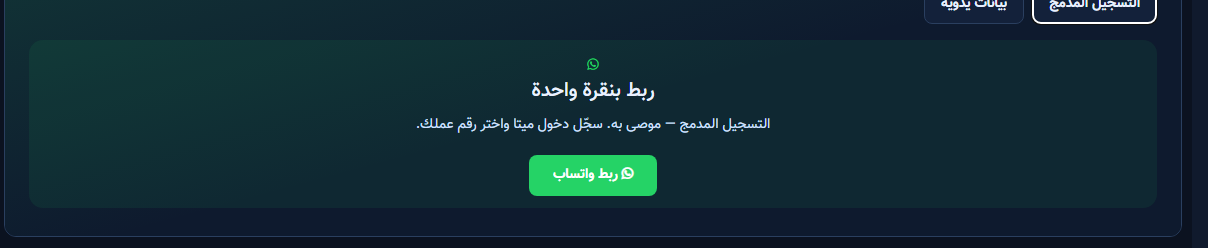
- From WhatsApp Tools → Connect choose Embedded Signup.
- Read the card: sign in to Meta and pick your business number.
- Confirm you are on the correct business account before clicking.
Connect WhatsApp button
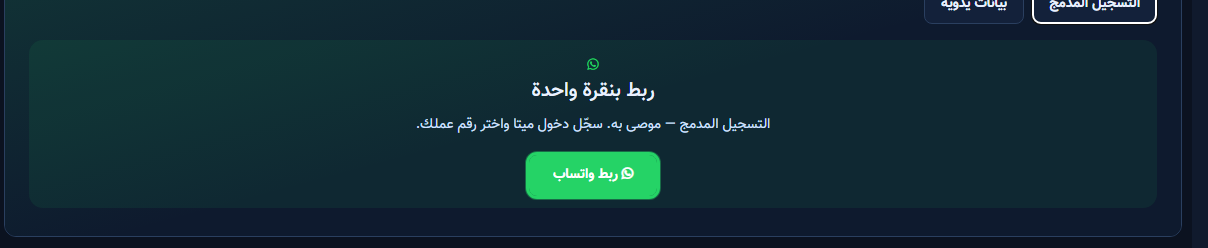
- Click Connect WhatsApp inside the card.
- In Meta’s window: sign in, approve permissions, pick or create WABA, then pick the number.
- On successful close, connection status appears in ChatLik.
- Open Inbox or Templates and confirm the yellow connect bar is gone.
When to use manual credentials instead
If you already have a token from an older Meta app, or the embedded window fails due to pop-up blocking — use Manual Credentials.


