
ChatLik Team Members & Roles let agency owners give staff scoped access: a main platform role (module matrix + allowed pages) and/or a WhatsApp Cloud role (granular inbox/broadcast/flow keys + allowed numbers). Members are managed from one unified list. Team members cannot open Team Manager screens.
What this guide covers
| Layer | Where | Controls |
|---|---|---|
| Main team role | Team Manager → Team Roles | FB/IG/bot/modules + Allowed Pages + Create/Update/Delete/Special |
| WhatsApp team role | WhatsApp Tools → Team Roles | Granular WhatsApp Cloud permissions + allowed numbers |
| Members | Team Manager → Team Members | Assign main and/or WhatsApp role to one login |
1) Open Team Manager
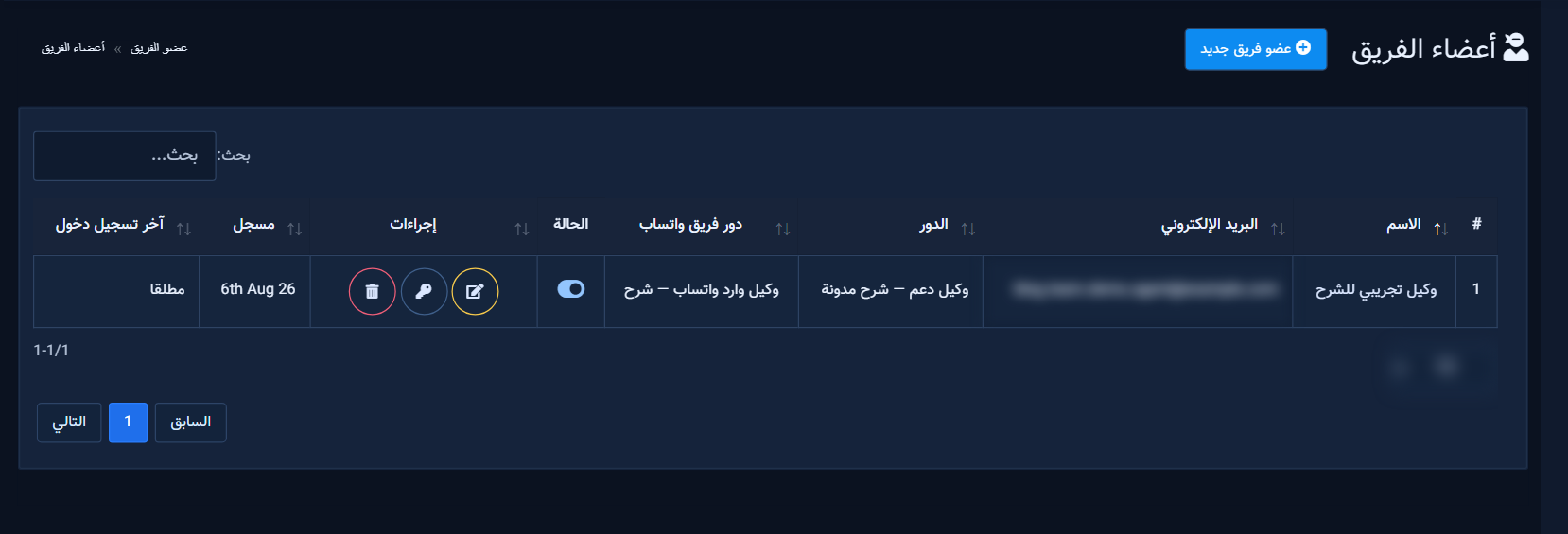
Sidebar → Team Manager: Team Roles and Team Members. Requires package module 350 (or WhatsApp member slots for members-only management).
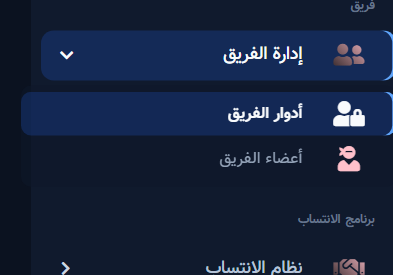
WhatsApp roles also appear under WhatsApp Tools → Team Roles (/whatsapp_cloud/wa_team_roles).
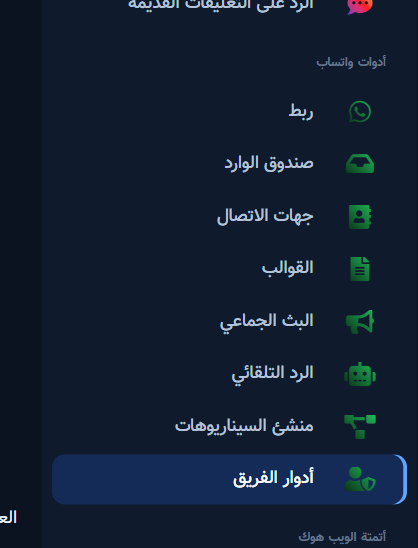
2) Main platform roles
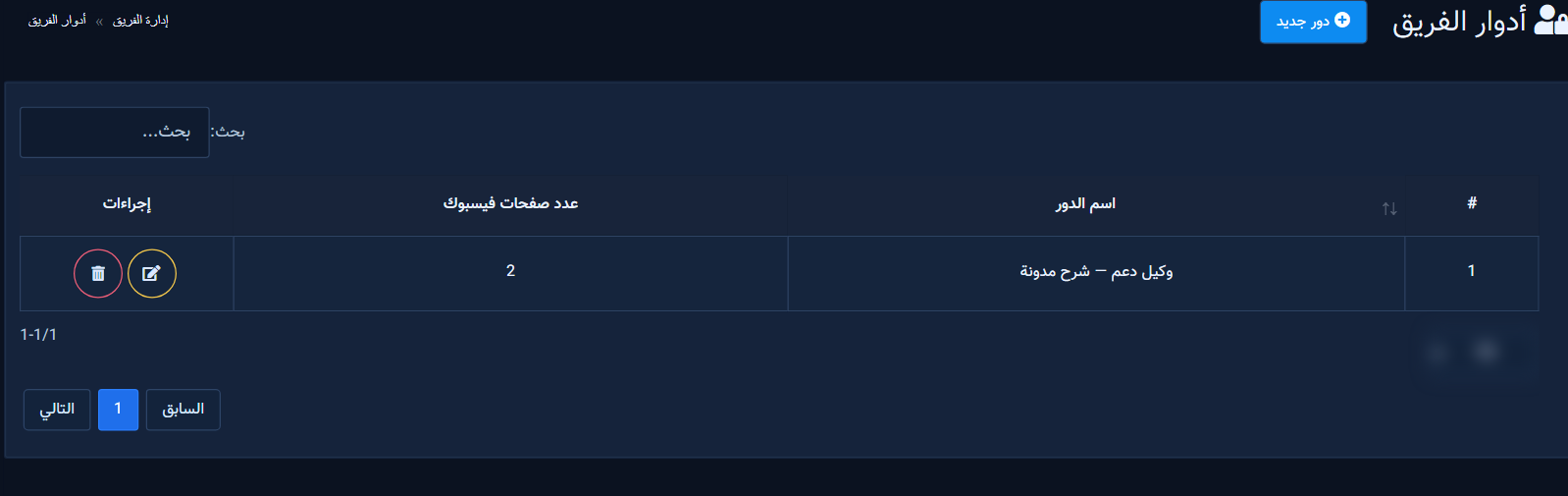
Roles list
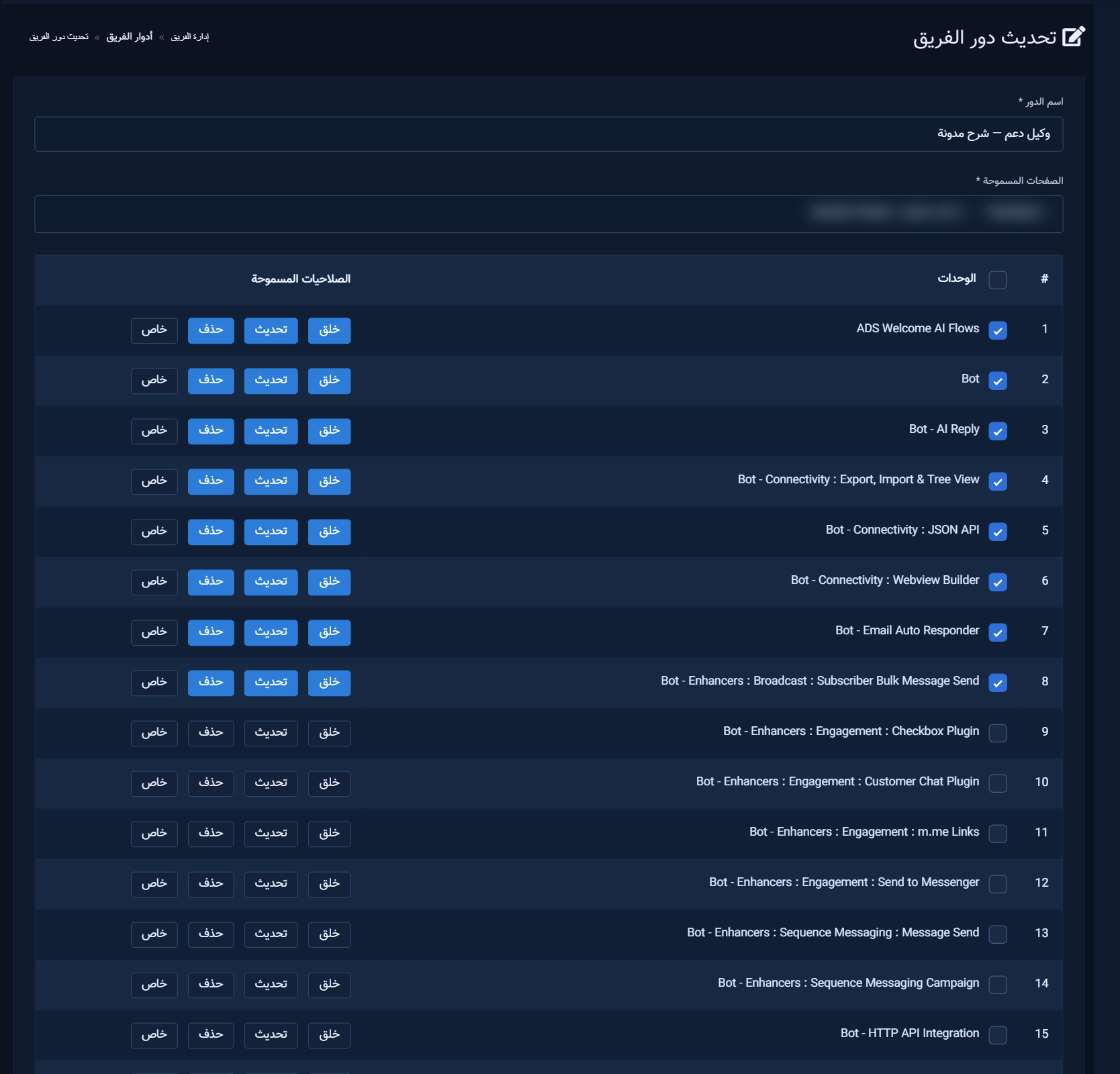
Create a role
- Set a clear Role name.
- Pick Allowed Pages the member may see.
- Enable modules and privileges: Create / Update / Delete / Special.
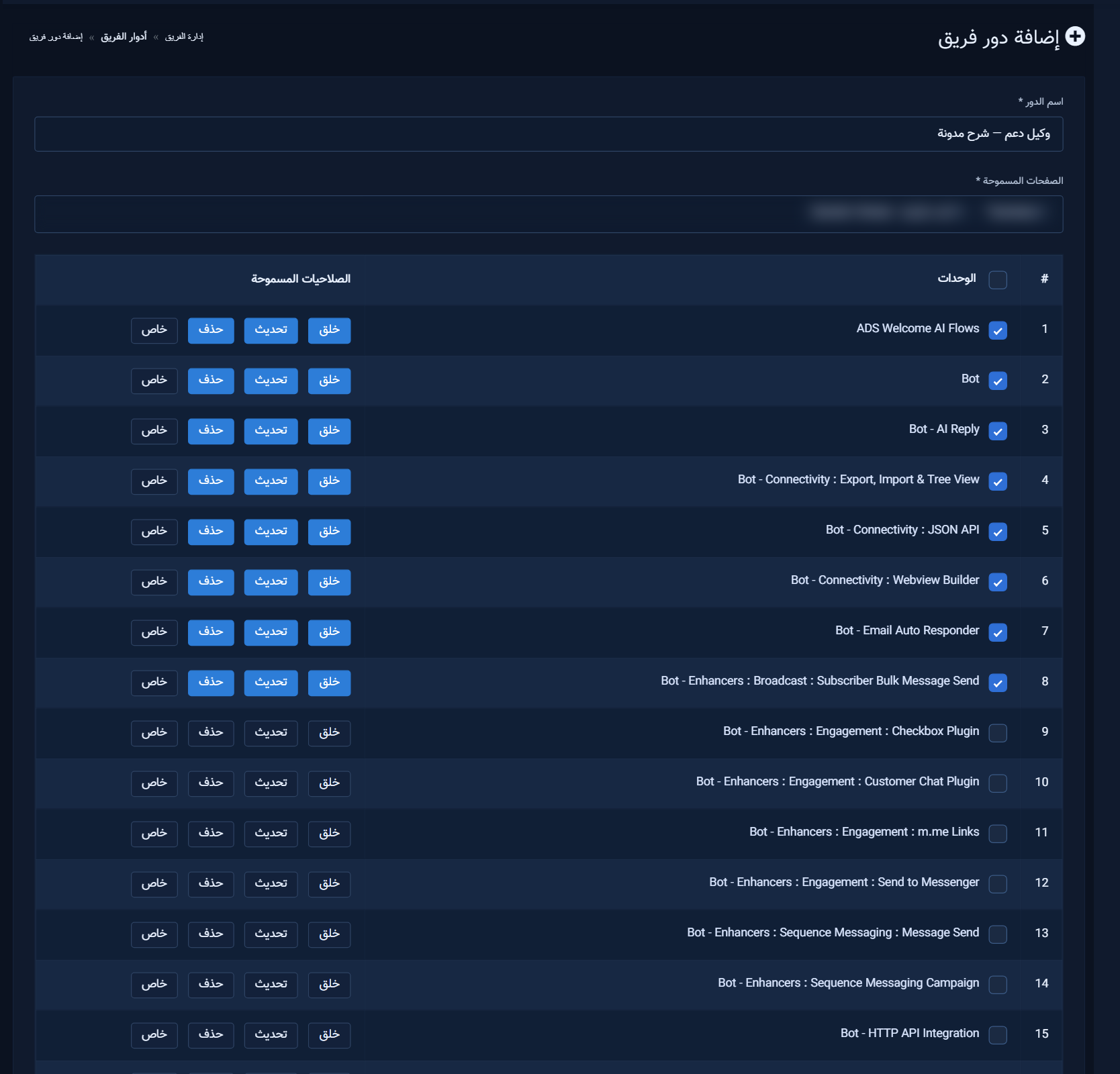
Actions are stored as 1/2/3/4 in role JSON and enforced by check_module_action_access() when the member is logged in as manager. Modules 88 and 268 hide the action checkboxes (module on/off only). Module 350 (Team Member Manager) cannot be granted to roles.
The full 61-module platform dictionary (plain English meaning per module and Create/Update/Delete/Special) is in the Arabic article tables — same inventory as the live form.
Edit a role
3) WhatsApp team roles
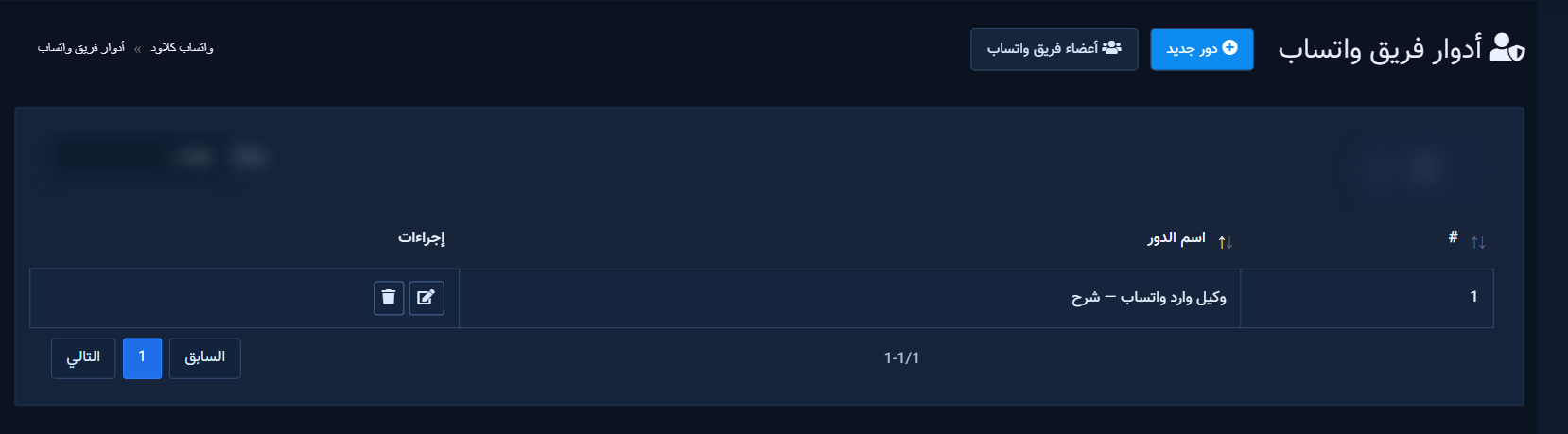
Create a role with toggles for inbox read/send/delete, flows, contacts, templates, broadcast, autoreply, webhooks, connect/disconnect, plus allowed WhatsApp numbers.
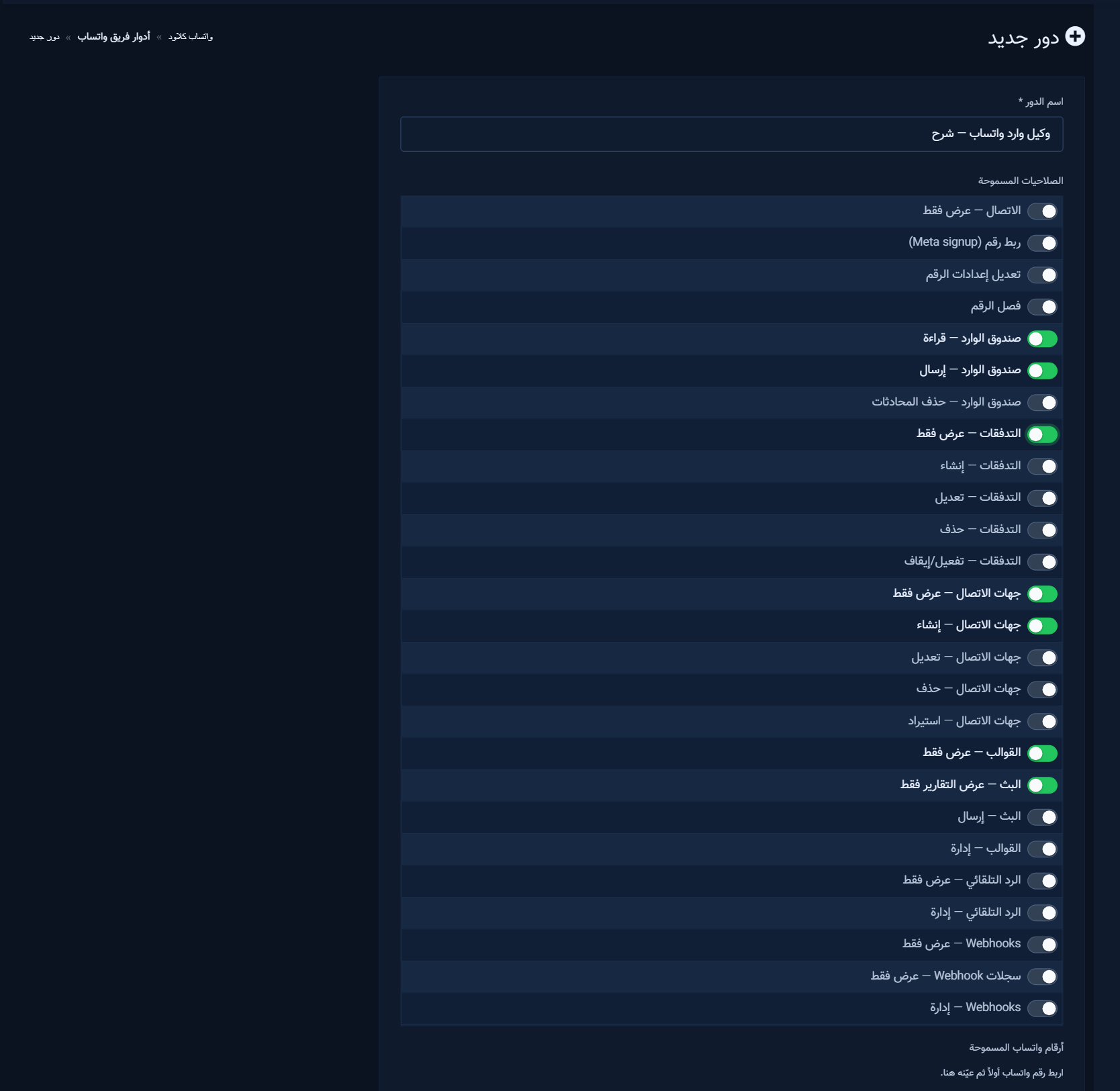
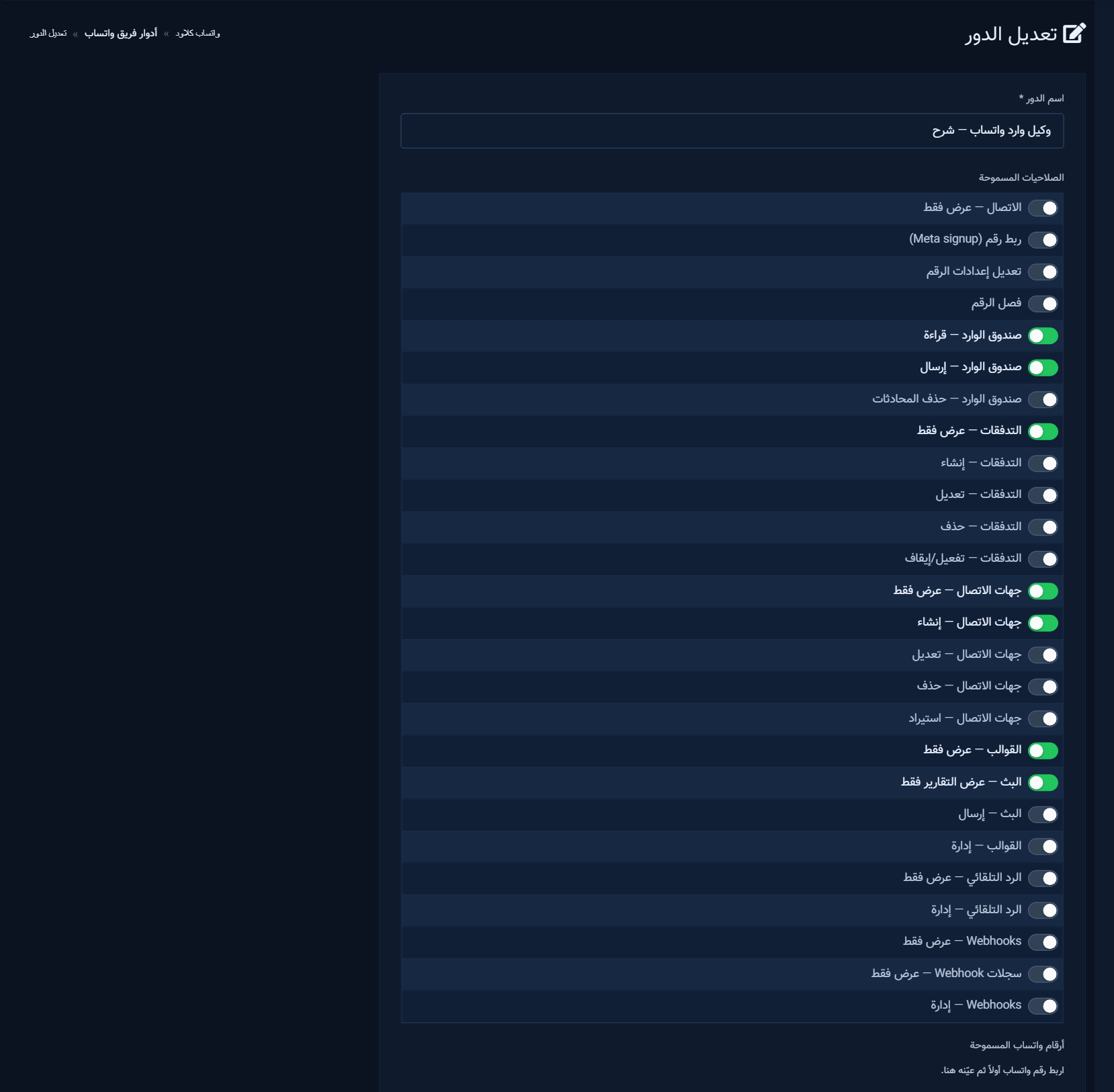
Owners always pass; WhatsApp team logins are gated by session permission keys. Prefer a WhatsApp role for agents even if main role includes module 923.
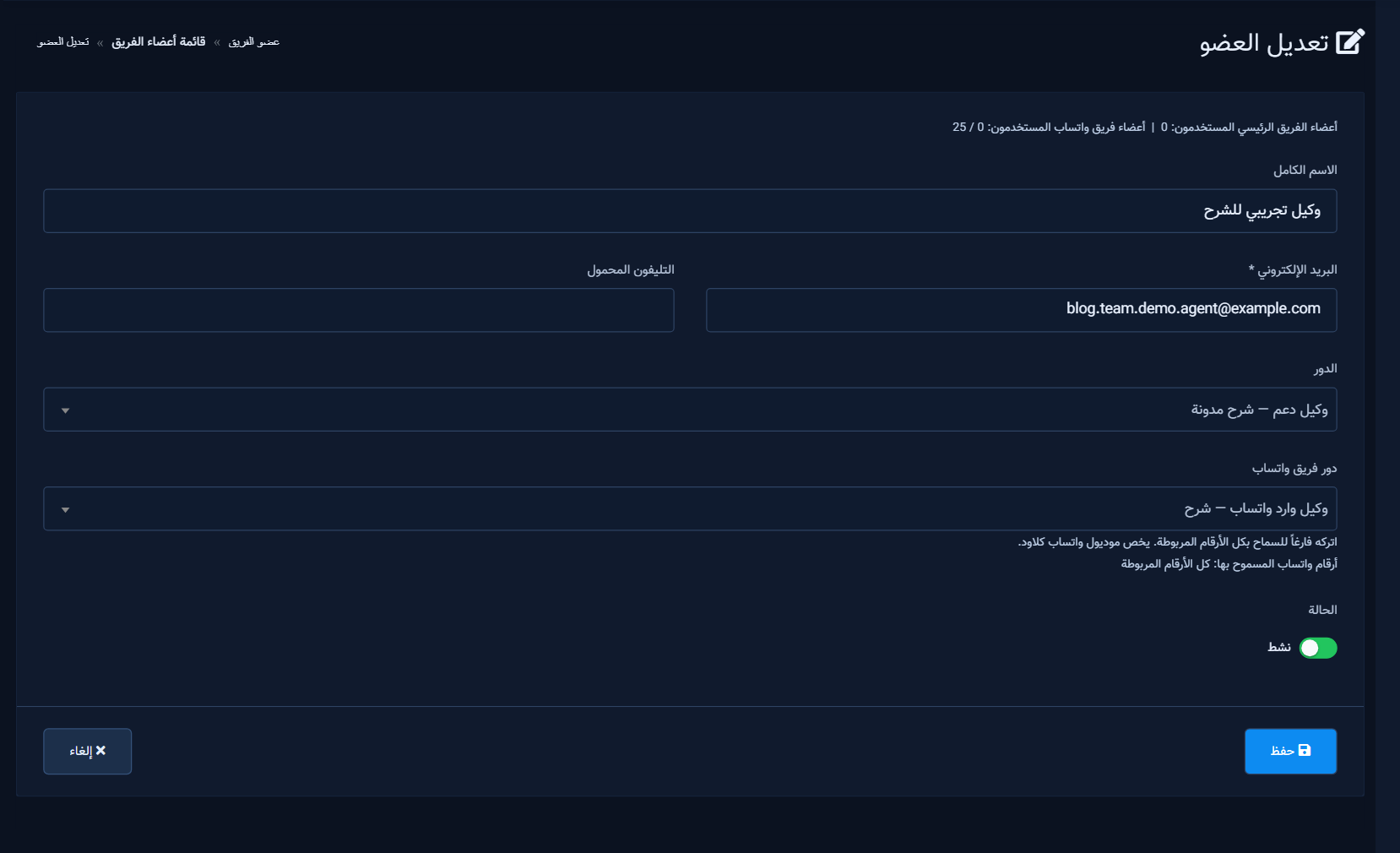
4) Add members and assign roles
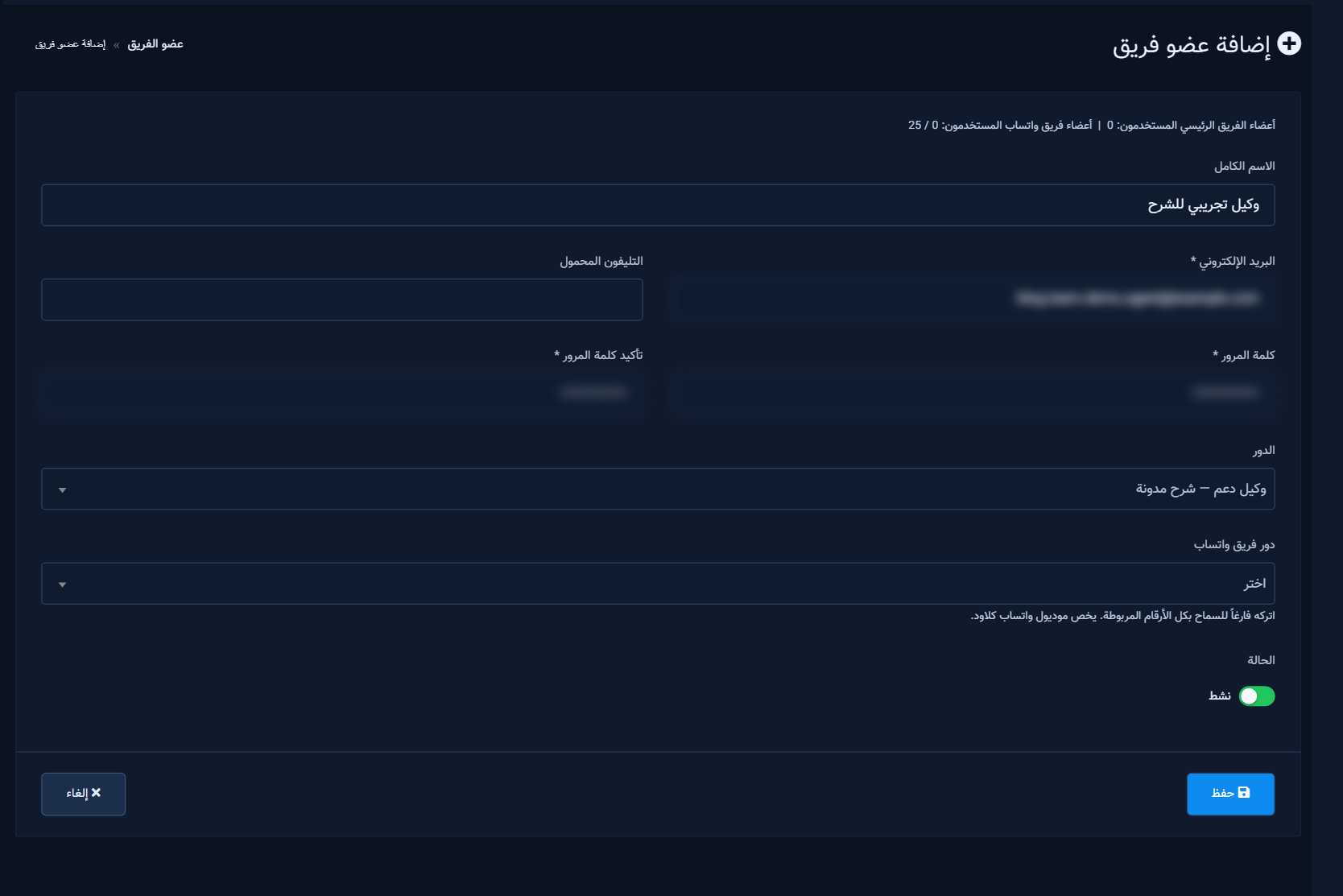
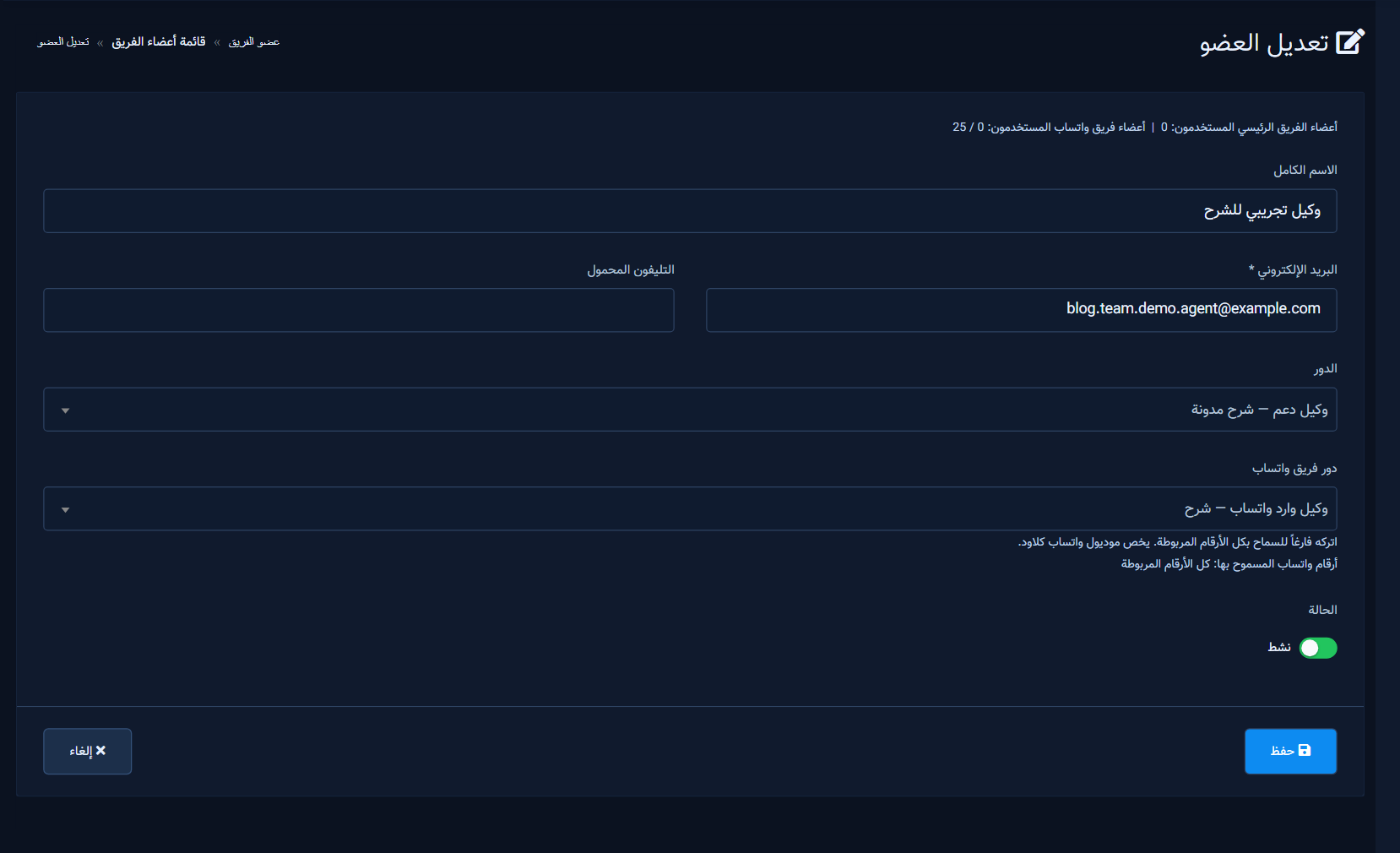
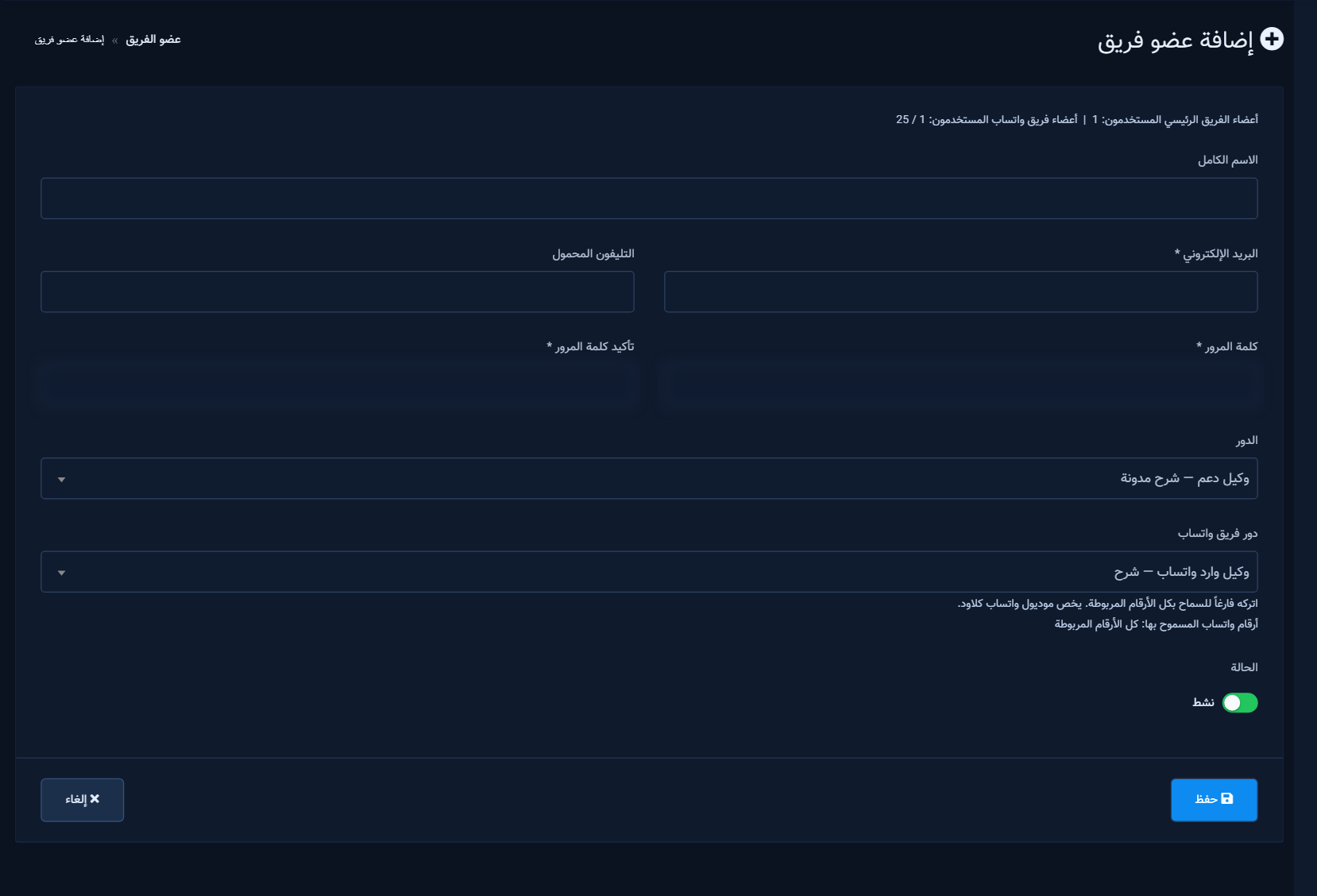
Required: email + password. Assign at least one role (main and/or WhatsApp). Status Active controls login without deleting the row.
5) Plan limits
Counters show main members used (module 350) and WhatsApp members used vs add-on plan cap (example: Business = 25).
6) Edit, disable, delete
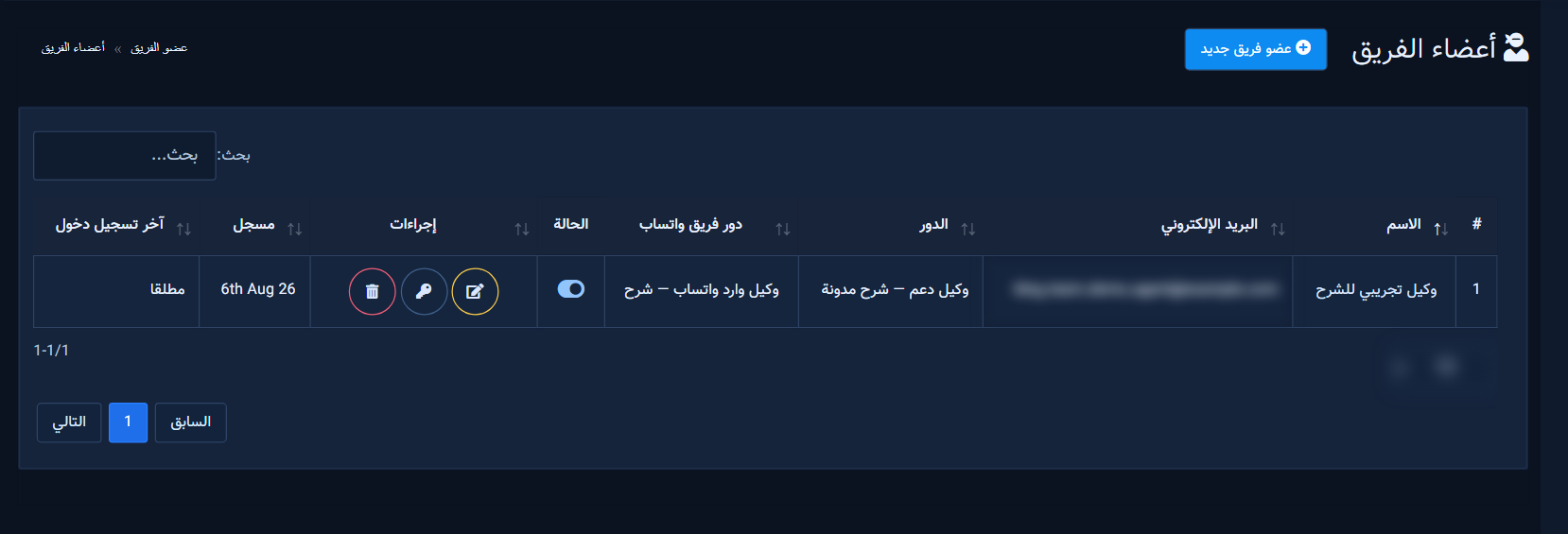
- Toggle Active off for temporary leave.
- Key icon resets password quickly.
- Delete removes the member, not the role definition.
7) Practical impact
- Main role only: sidebar modules + allowed pages + CRUD/Special gates.
- WhatsApp role only: WhatsApp Cloud tools per keys and numbers.
- Both: platform modules plus granular WhatsApp ACL.
8) Common mistakes
- Creating a member before any role exists.
- Confusing main Team Roles with WhatsApp Team Roles (similar labels, different menus).
- Granting broadcast send or disconnect number to junior agents.
- Empty Allowed Pages so the member sees no Facebook pages.
- Expired WhatsApp subscription blocking WA role screens.


