
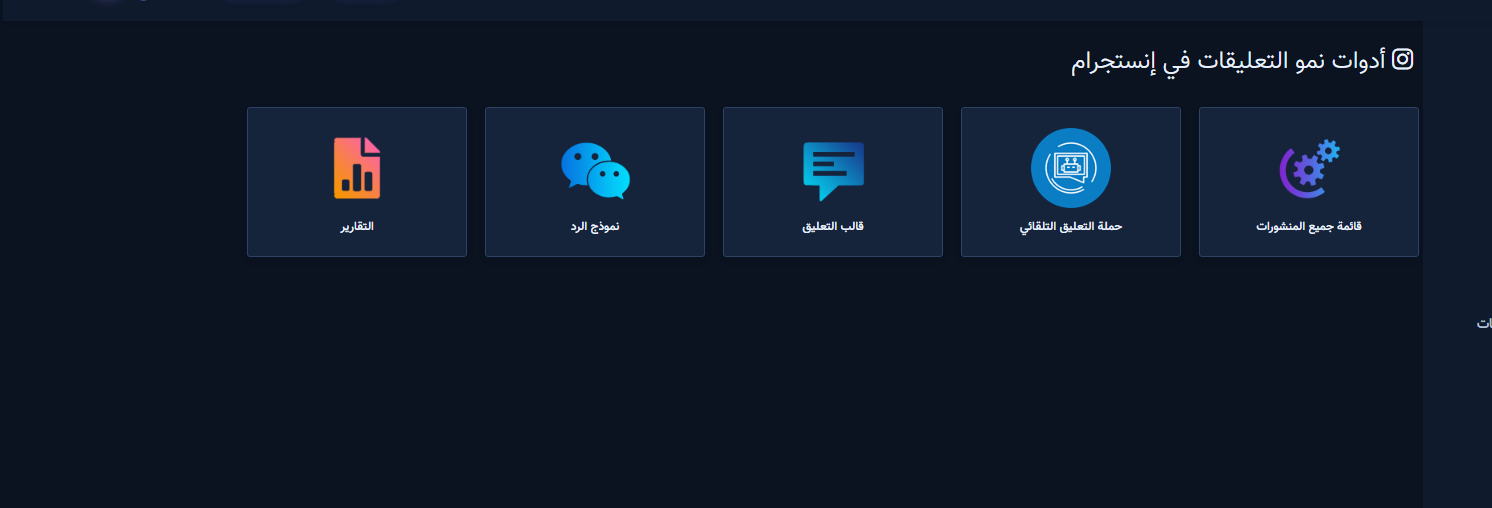
Instagram Comment Manager maps Instagram Comment Growth Tools cards so you pick the right path (posts list, full-account reply, single post, old comments, auto comment campaign, templates, reports). Instagram Tools only — do not mix with Facebook Comment Manager.
Before you start
- Under Integrations → Connect Accounts, confirm Instagram is linked and enable Bot Connection if you will send private replies.
- Some cards appear only when your plan includes the module.
1) Open Instagram Comment Growth Tools
- Sidebar: Instagram Tools → Comment Manager.
- You see growth cards for posts, reply campaigns, auto comment campaign, templates, and reports.
2) What each card does
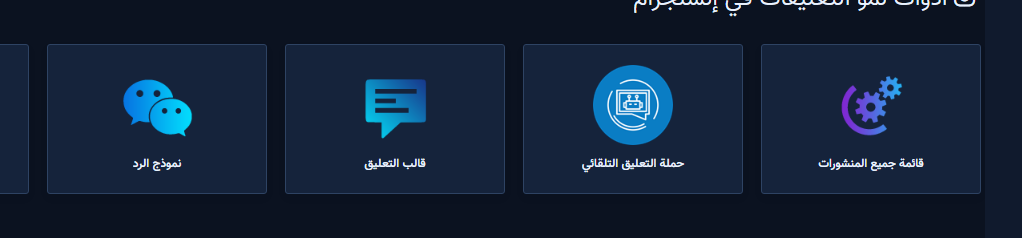
- All Post List: pick an account, then enable/edit reply on one post.
- Full-account reply: standing visitor-comment rules across new posts.
- Old Comment Reply: one-shot batch on existing comments.
- Auto Comment Campaign: the account posts its own first comments — not visitor reply.
- Templates / Reports: reusable texts and campaign tracking.
3) Accounts after opening posts
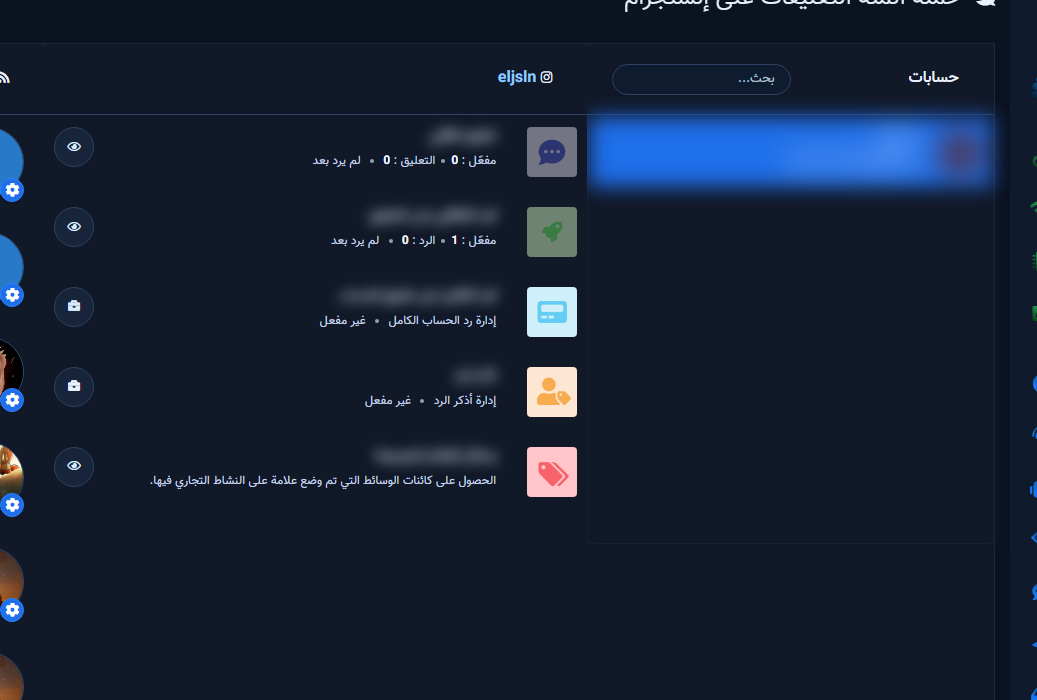
After All Posts, select an account then use Latest posts. Continue with full account or single post.
Related: IG Auto Comment Campaign · Old comments.


