Instagram Auto Comment Campaign

Instagram Auto Comment Campaign

Instagram Auto Comment Campaign makes the account post its own comments on new posts/Reels by schedule. It is not visitor-comment reply and not Scheduler’s first-comment field — see the comparison.
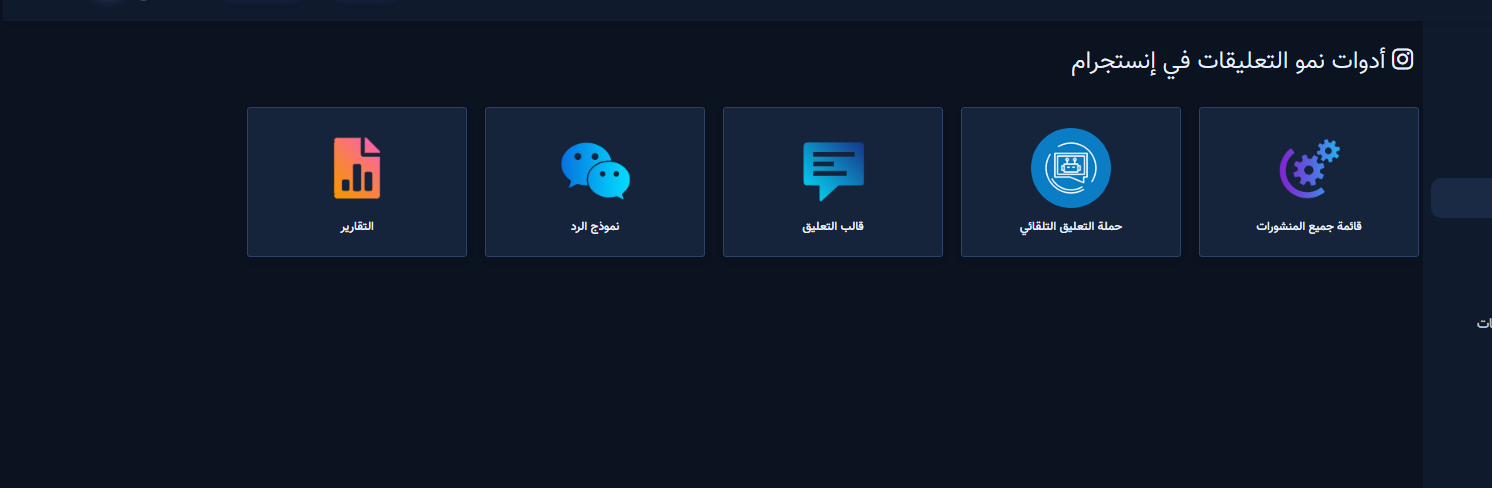
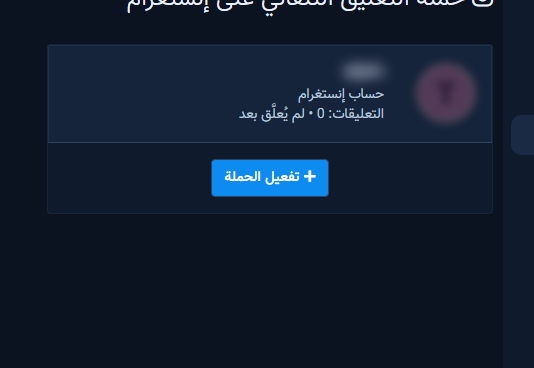
Auto Comment Campaign card in growth tools

Steps

Instagram account cards for the campaign
Enable Campaign on an empty account
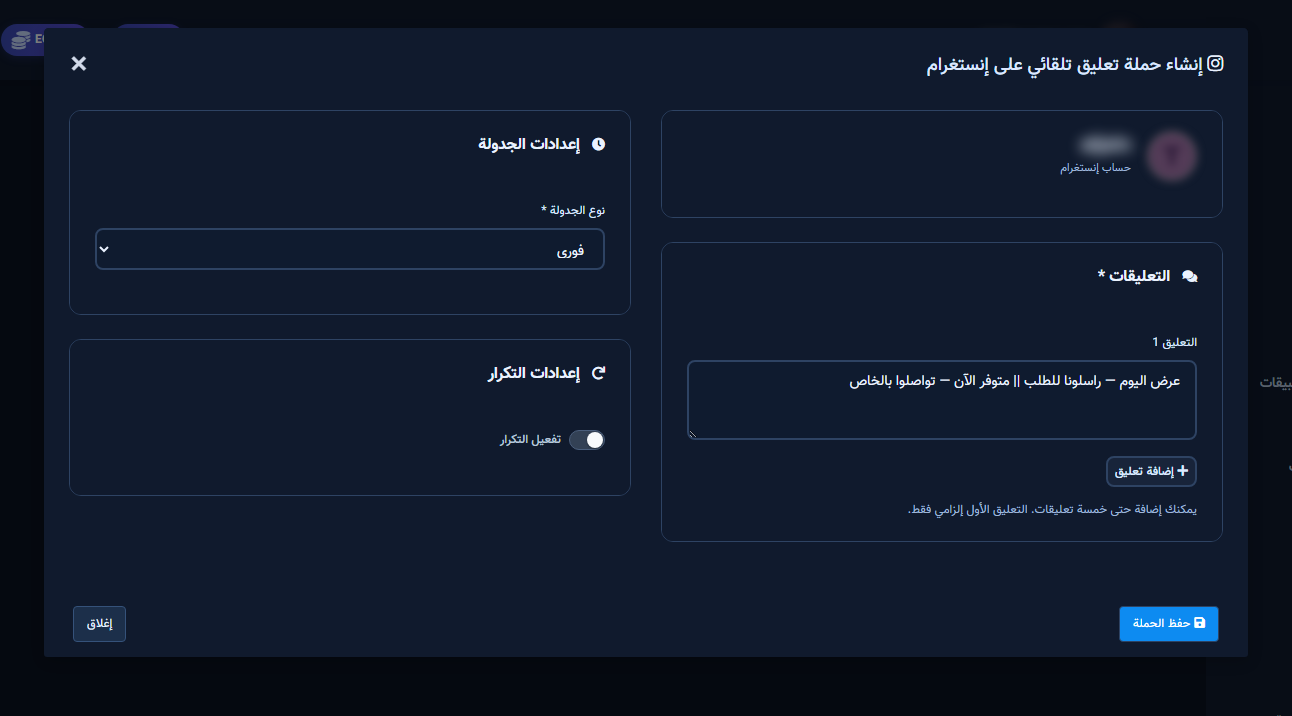
Create/Edit Auto Comment Campaign modal
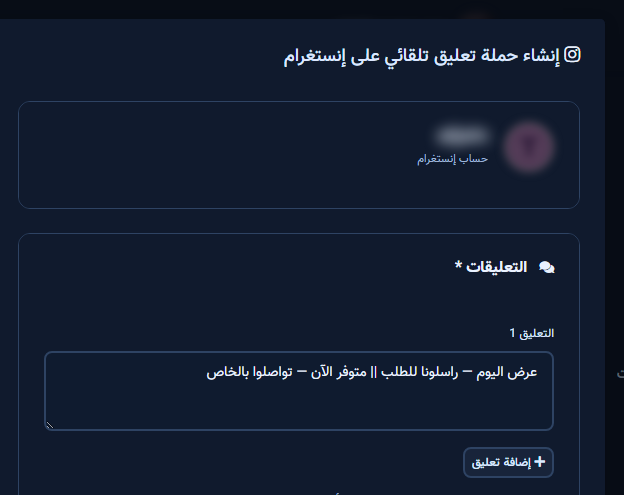
Comment 1 with || variants
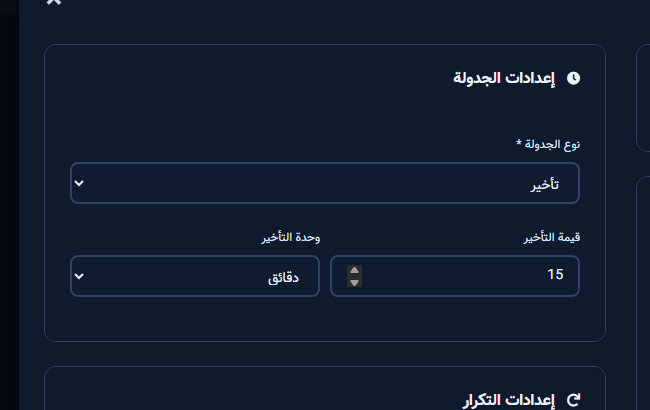
Schedule and delay settings
Active campaign with Edit
  1. Open Instagram Tools → Comment Manager → Auto Comment Campaign.
  2. Enable on an account, fill Comment 1 (required), optional || variants and up to five comments.
  3. Set Immediate/Delay + repeat, save, then test with a real post.

Next step

Sign up.

Keywords InstagramChatLikComment replyComment automation
Share this article: